-
 Continue reading →: Using Expressions to Automate Animation in After Effects
Expressions let you automate animation in After Effects with simple code. Learn how to use wiggle, loop, bounce, and property linking to save time and create dynamic motion.
-
 Continue reading →: How to Use Adjustment Layers in After Effects
Adjustment layers let you apply effects to multiple layers at once in After Effects. Learn how to use them for color grading, blurs, transitions, and vignettes.
-
 Continue reading →: How to Create a Looping Animation in After Effects
Looping animations are perfect for GIFs, motion backgrounds, and reusable elements. Learn how to build seamless loops in After Effects with keyframes, expressions, and smart exporting.
-
 Continue reading →: How to Create Parallax Animation in After Effects
Parallax animation adds depth to flat images and graphics. Learn how to create parallax in After Effects using 3D layers, camera movement, and depth of field.
-
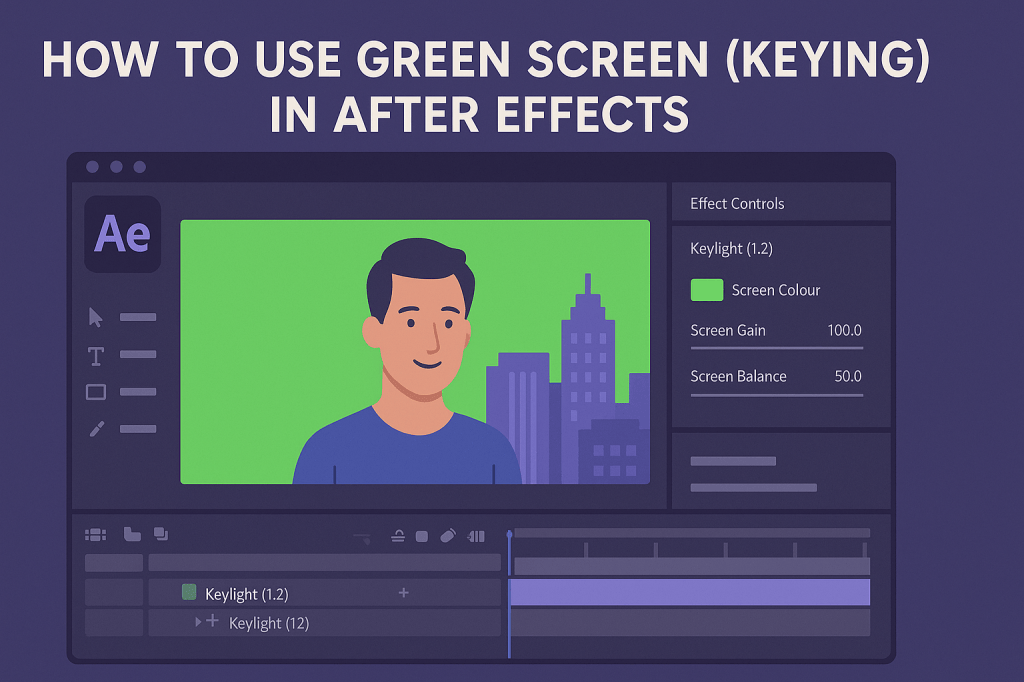 Continue reading →: How to Use Green Screen (Keying) in After Effects
Learn how to use green screen in After Effects with the Keylight effect. From keying out backgrounds to refining mattes and adding spill suppression, create professional composites easily.
-
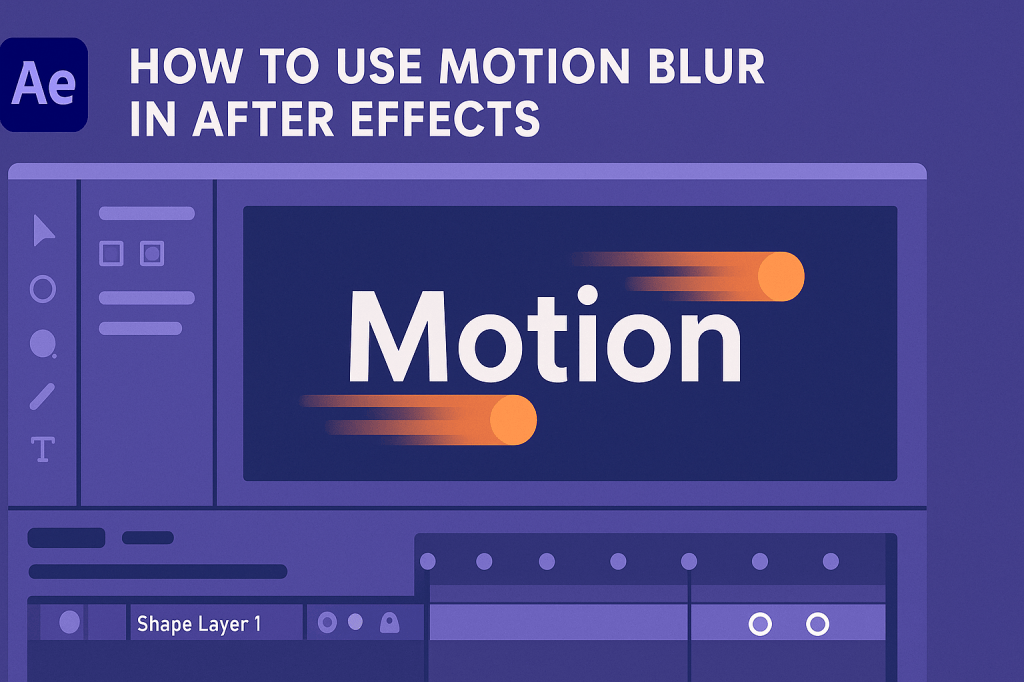 Continue reading →: How to Use Motion Blur in After Effects
Motion blur makes animations realistic and cinematic in After Effects. Learn how to enable, adjust, and apply motion blur for text, shapes, and 3D layers.
-
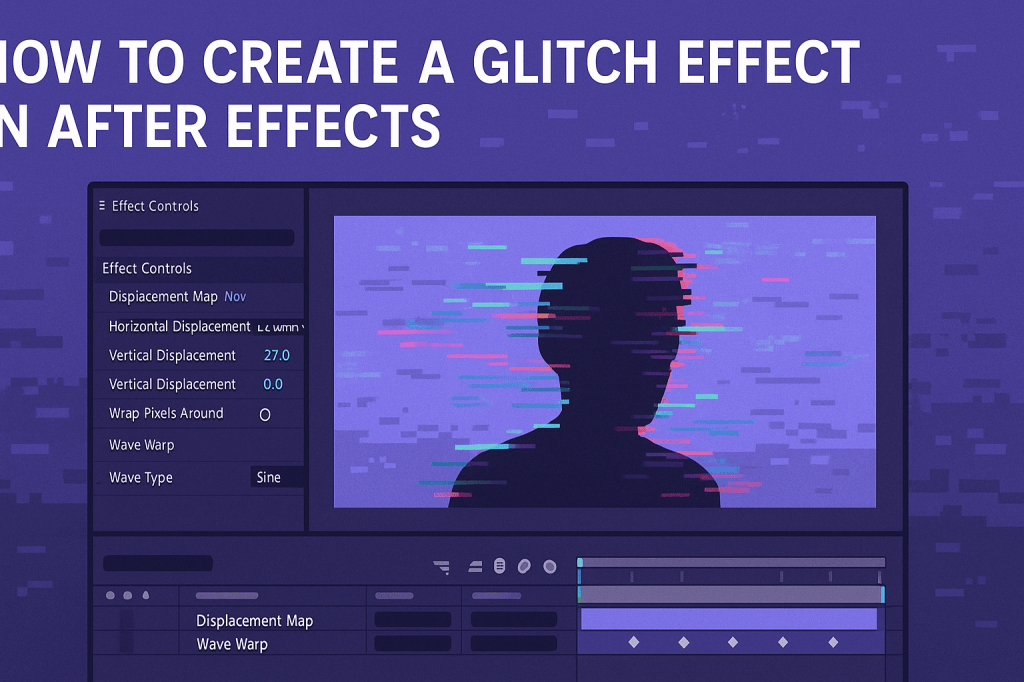 Continue reading →: How to Create a Glitch Effect in After Effects
The glitch effect is a popular motion design trend. Learn how to create digital distortion in After Effects using displacement maps, RGB splits, noise, and flicker.
-
 Continue reading →: How to Create Cinematic Titles in After Effects
Cinematic titles add drama and professionalism to your videos. Learn how to design and animate Hollywood-style titles in After Effects with glows, lens flares, and camera depth.
-
 Continue reading →: How to Create a Lower Third Animation in After Effects
Lower third animations in After Effects add clarity and professionalism. Learn how to design, animate, and reuse lower thirds for interviews, presentations, and branded videos.
-
 Continue reading →: How to Add and Animate 3D Layers in After Effects
Learn how to add and animate 3D layers in After Effects. From enabling 3D switches to adding cameras, lights, and shadows, this guide helps you create cinematic depth in your motion graphics.
Hello,
I’m Ben

Welcome to After Effects Cloud, a place where I share my passion for Adobe After Effects, motion graphics, animation, and visual effects. I created this website to make learning After Effects easier, whether you’re opening the application for the first time or looking for new techniques to improve your creative work. Here you’ll find practical tutorials, feature guides, workflow tips, and updates covering the latest developments in After Effects. I’m constantly exploring new tools, including AI-powered features and the growing 3D capabilities inside After Effects, and I enjoy sharing what I discover along the way. I hope the articles inspire you to experiment, learn something new, and create amazing things with Adobe After Effects.
Let’s connect
Join the fun!
Stay updated with our latest tutorials and ideas by joining our newsletter.





