-
 Continue reading →: How to Create Animated Transitions in After Effects
Animated transitions in After Effects make your videos seamless and stylish. Learn how to create wipes, zooms, spins, and glow transitions with masks, shapes, and effects.
-
 Continue reading →: How to Use the Puppet Tool in After Effects
The Puppet Tool in After Effects lets you animate static images with pins and keyframes. Learn how to bring characters, logos, and illustrations to life with natural movement.
-
 Continue reading →: How to Track Motion in After Effects
Learn how to track motion in After Effects step by step. From basic tracking points to null objects and advanced 3D camera tracking, discover how to attach graphics to moving footage.
-
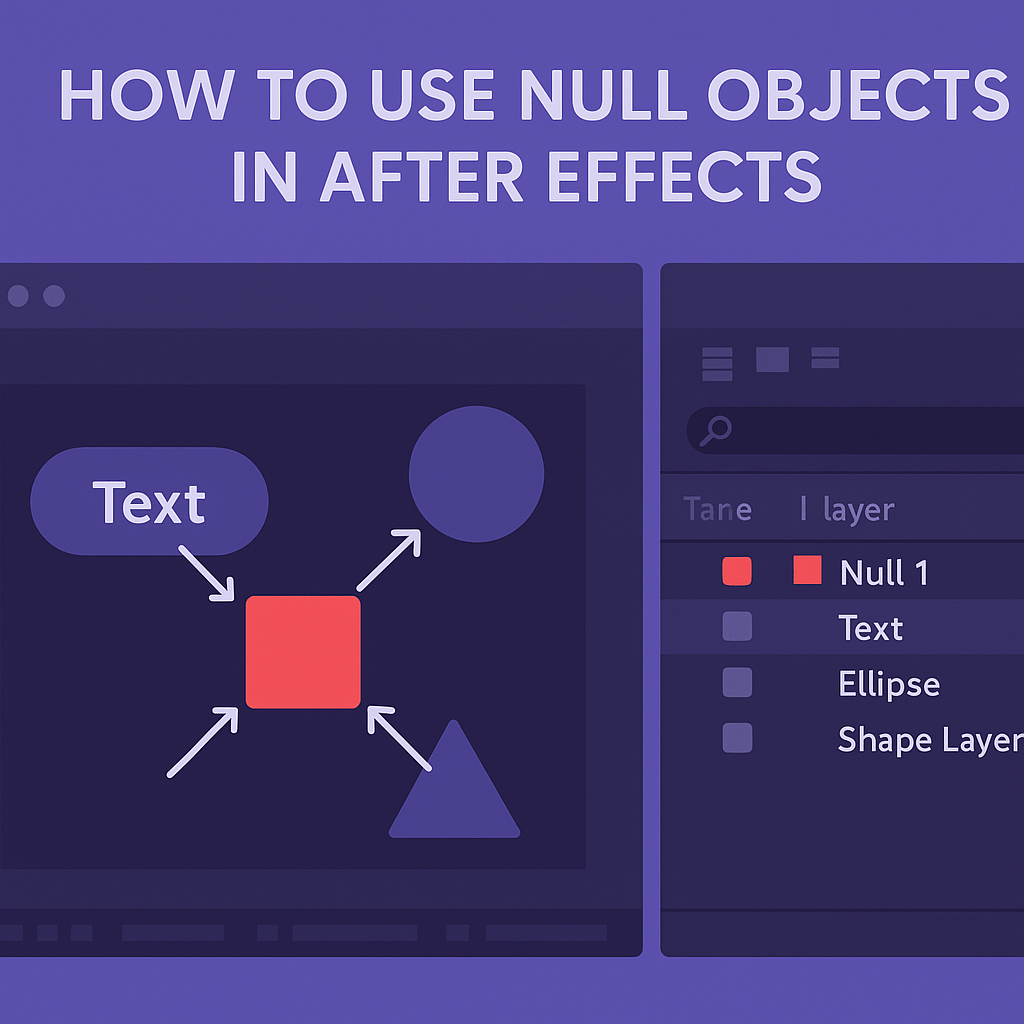 Continue reading →: How to Use Null Objects in After Effects
Null objects are invisible control handles in After Effects. Learn how to use them for parenting, motion tracking, and camera rigs to simplify your animation workflow.
-
 Continue reading →: How to Use Masks in After Effects
✍️ WordPress Excerpt Learn how to use masks in After Effects to reveal, hide, and animate layers. From simple shape masks to advanced Pen Tool paths, discover creative ways to enhance your animations.
-
 Continue reading →: How to Add Special Effects in After Effects (Beginner’s Guide)
Learn how to add special effects in After Effects with this beginner’s guide. From glows and lens flares to particles and third-party plugins, discover how to create cinematic visuals.
-
 Continue reading →: After Effects vs. Creative Cloud Express: Which One Do You Need?
Should you use After Effects or Creative Cloud Express? Learn the key differences between Adobe’s pro motion graphics tool and its beginner-friendly design app to find out which one fits your needs.
-
 Continue reading →: How to Optimize After Effects for Faster Performance
After Effects can run slow, but you can fix it. Learn how to optimize memory, enable GPU acceleration, manage disk cache, and streamline your workflow for faster performance.
-
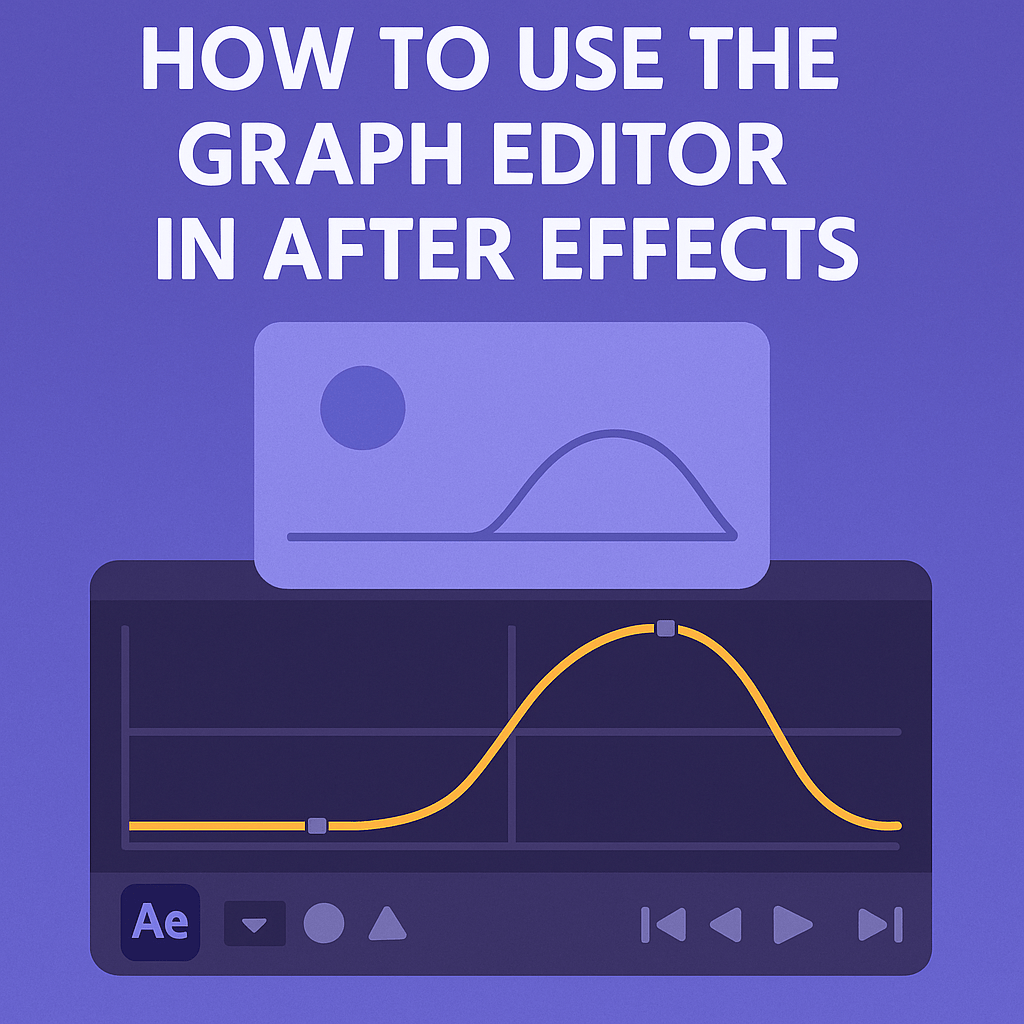 Continue reading →: How to Use the Graph Editor in After Effects
The Graph Editor makes animations smooth and professional in After Effects. Learn how to use speed graphs, easing, and Bezier handles to control timing and motion.
-
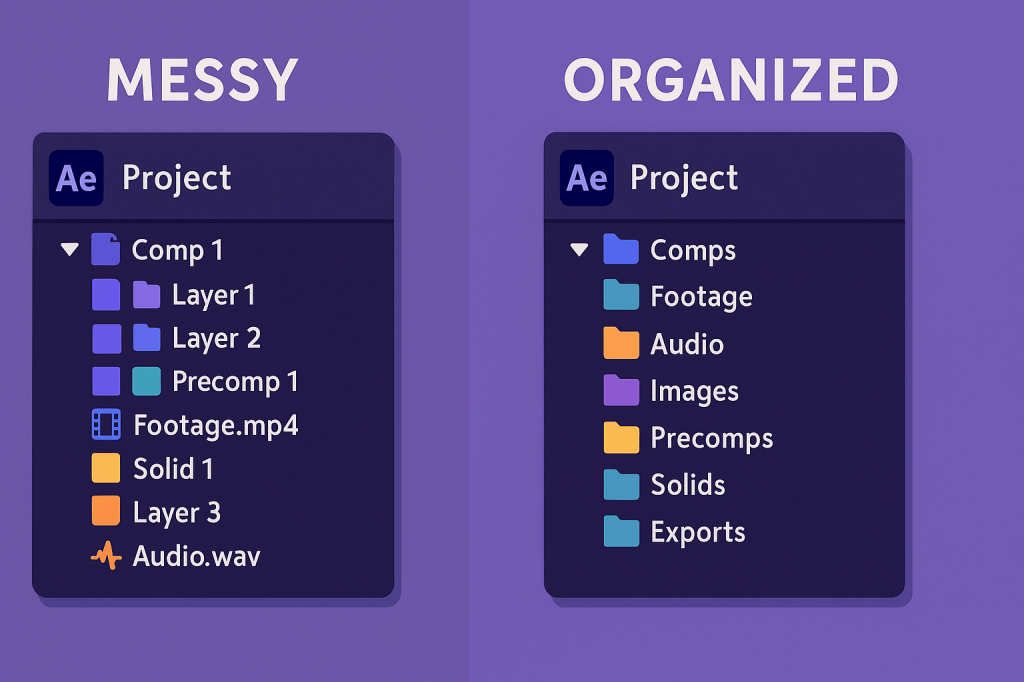 Continue reading →: File Organization Tips for Large After Effects Projects
Large After Effects projects can get messy fast. Learn the best file organization tips, from project panel folders and naming conventions to pre-comps and backups.
Hello,
I’m Ben

Welcome to After Effects Cloud, a place where I share my passion for Adobe After Effects, motion graphics, animation, and visual effects. I created this website to make learning After Effects easier, whether you’re opening the application for the first time or looking for new techniques to improve your creative work. Here you’ll find practical tutorials, feature guides, workflow tips, and updates covering the latest developments in After Effects. I’m constantly exploring new tools, including AI-powered features and the growing 3D capabilities inside After Effects, and I enjoy sharing what I discover along the way. I hope the articles inspire you to experiment, learn something new, and create amazing things with Adobe After Effects.
Let’s connect
Join the fun!
Stay updated with our latest tutorials and ideas by joining our newsletter.





