-
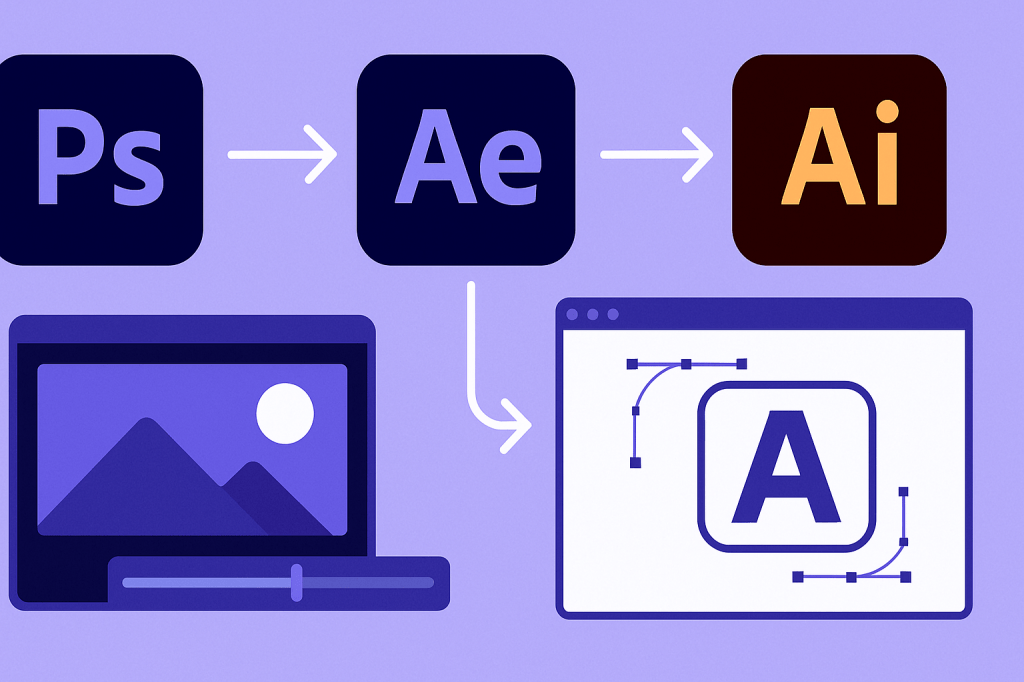 Continue reading →: How to Use Adobe After Effects with Photoshop and Illustrator
Photoshop, Illustrator, and After Effects work perfectly together. Learn how to import layered PSDs, vector AI files, and animate them seamlessly inside After Effects.
-
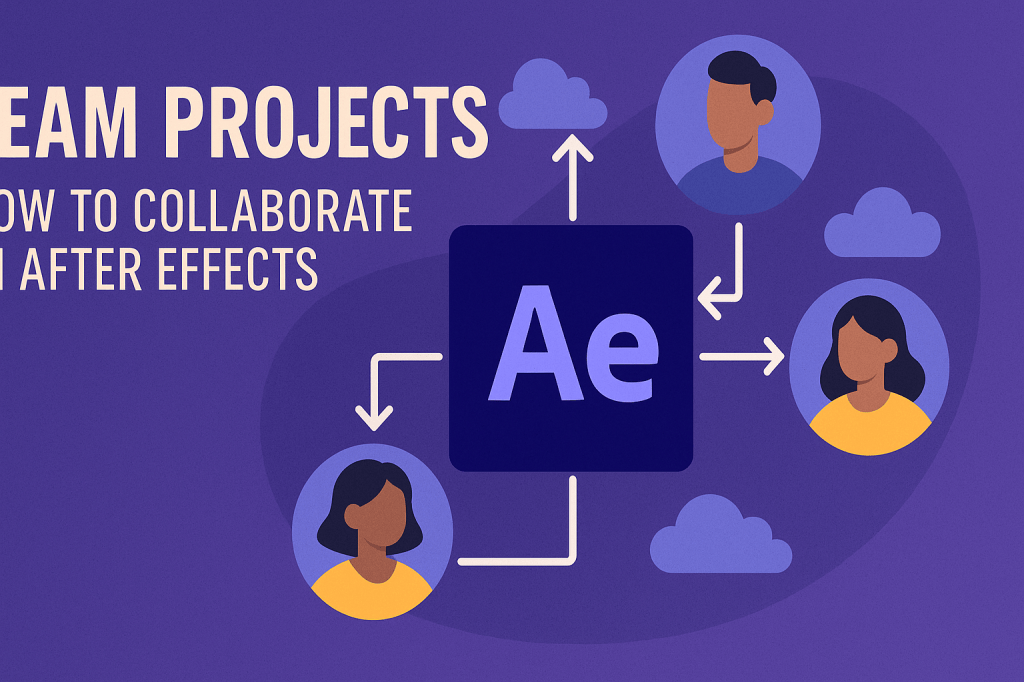 Continue reading →: Team Projects: How to Collaborate in After Effects
Team Projects makes After Effects collaboration easy. Learn how to set up shared projects, work in real time, and integrate with Premiere Pro for seamless teamwork.
-
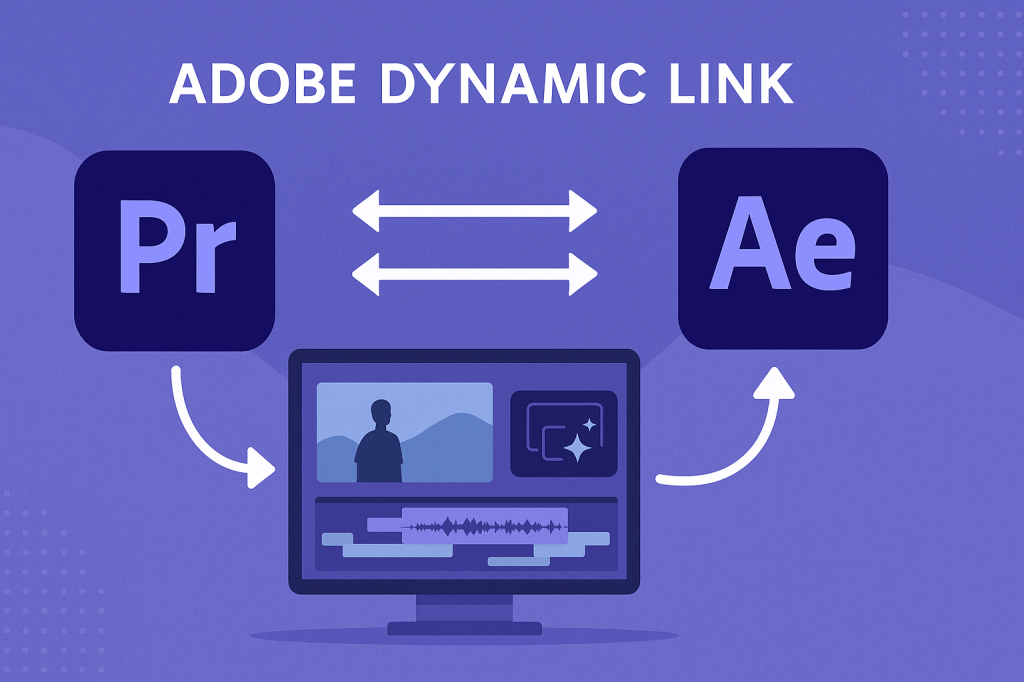 Continue reading →: How to Work with Adobe Dynamic Link (Premiere + After Effects)
Dynamic Link connects Premiere Pro and After Effects so you can edit and animate without rendering. Learn how to send clips, import comps, and keep your workflow fast and efficient.
-
 Continue reading →: Essential Plugins to Save Time in After Effects
Save hours in After Effects with essential plugins. Discover Animation Composer, Overlord, Deep Glow, FX Console, and more tools that speed up your workflow and boost creativity.
-
 Continue reading →: How to Speed Up Rendering in After Effects
Rendering doesn’t have to be slow. Learn how to speed up After Effects with pre-renders, proxies, Media Encoder, GPU acceleration, and the new 2025 multiprocessing features.
-
 Continue reading →: Motion Design Trends 2025: What’s Hot in After Effects
Motion design in 2025 is bold, minimal, and AI-powered. Learn the top After Effects trends, from kinetic typography and glowing gradients to morphing transitions and data-driven motion graphics.
-
 Continue reading →: How to Create Infographics and Data Visualizations in After Effects
Infographics don’t have to be static. Learn how to build and animate bar charts, pie charts, and line graphs in After Effects for engaging data visualizations.
-
 Continue reading →: Best After Effects Plugins for Motion Graphics
Plugins supercharge After Effects with new tools and effects. Discover the best plugins for motion graphics, from 3D and particles to physics simulations and glowing effects.
-
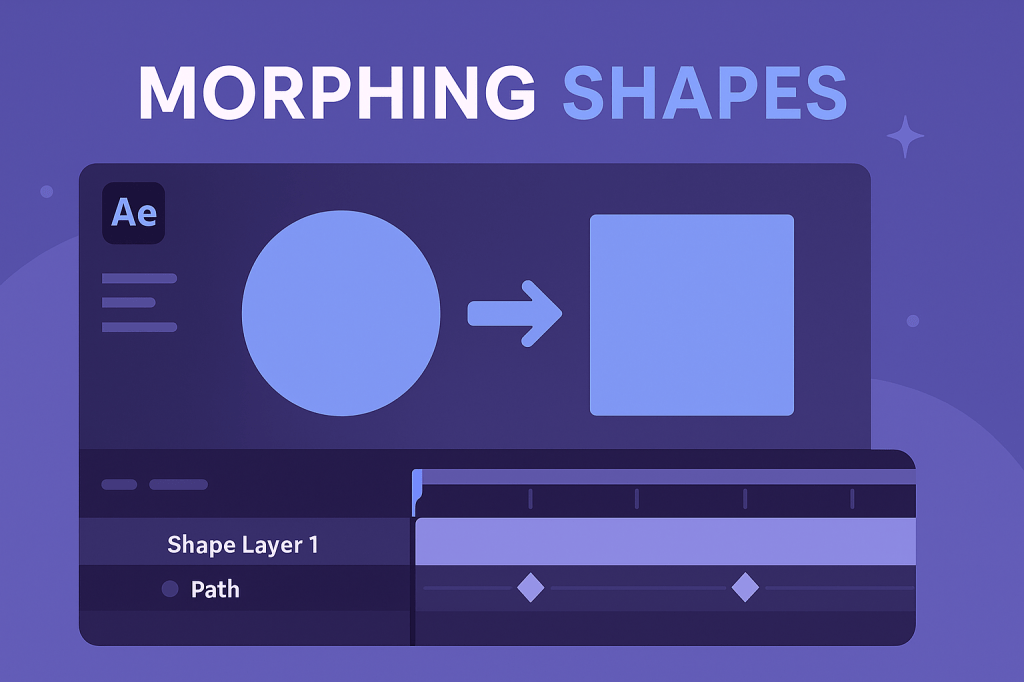 Continue reading →: Morphing Shapes in After Effects: A Quick Guide
Morphing shapes in After Effects is easier than you think. Learn how to convert shapes to paths, animate keyframes, and style smooth morphing transitions for logos, icons, and motion graphics.
-
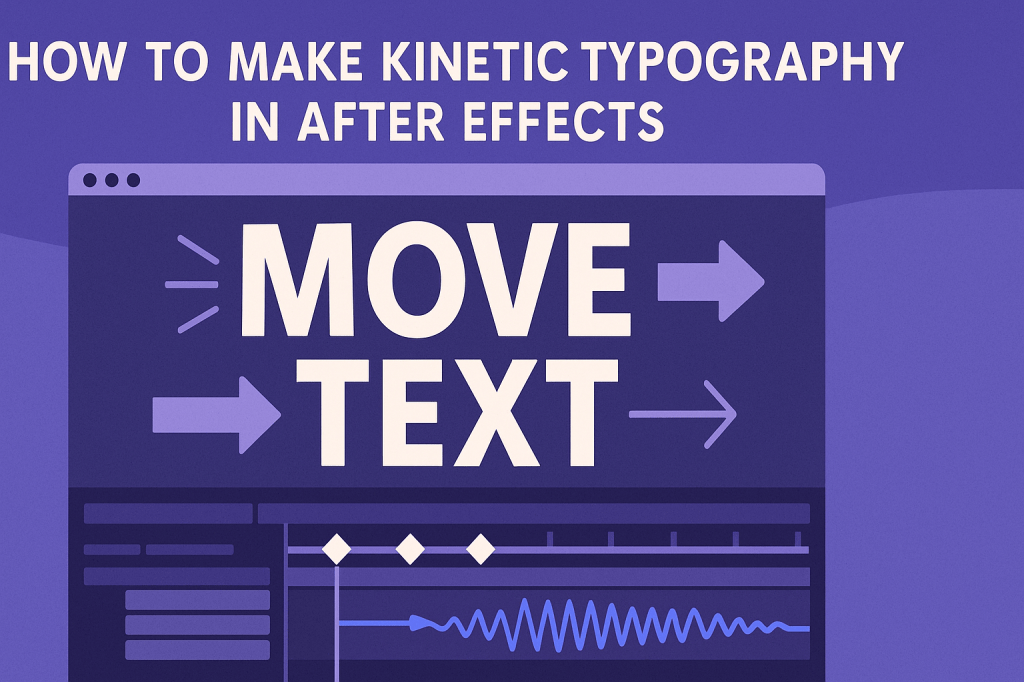 Continue reading →: How to Make Kinetic Typography in After Effects
Kinetic typography brings words to life in After Effects. Learn how to animate text with text animators, sync it to audio, and add stylish motion for music videos, ads, and explainer content.
Hello,
I’m Ben

Welcome to After Effects Cloud, a place where I share my passion for Adobe After Effects, motion graphics, animation, and visual effects. I created this website to make learning After Effects easier, whether you’re opening the application for the first time or looking for new techniques to improve your creative work. Here you’ll find practical tutorials, feature guides, workflow tips, and updates covering the latest developments in After Effects. I’m constantly exploring new tools, including AI-powered features and the growing 3D capabilities inside After Effects, and I enjoy sharing what I discover along the way. I hope the articles inspire you to experiment, learn something new, and create amazing things with Adobe After Effects.
Let’s connect
Join the fun!
Stay updated with our latest tutorials and ideas by joining our newsletter.





