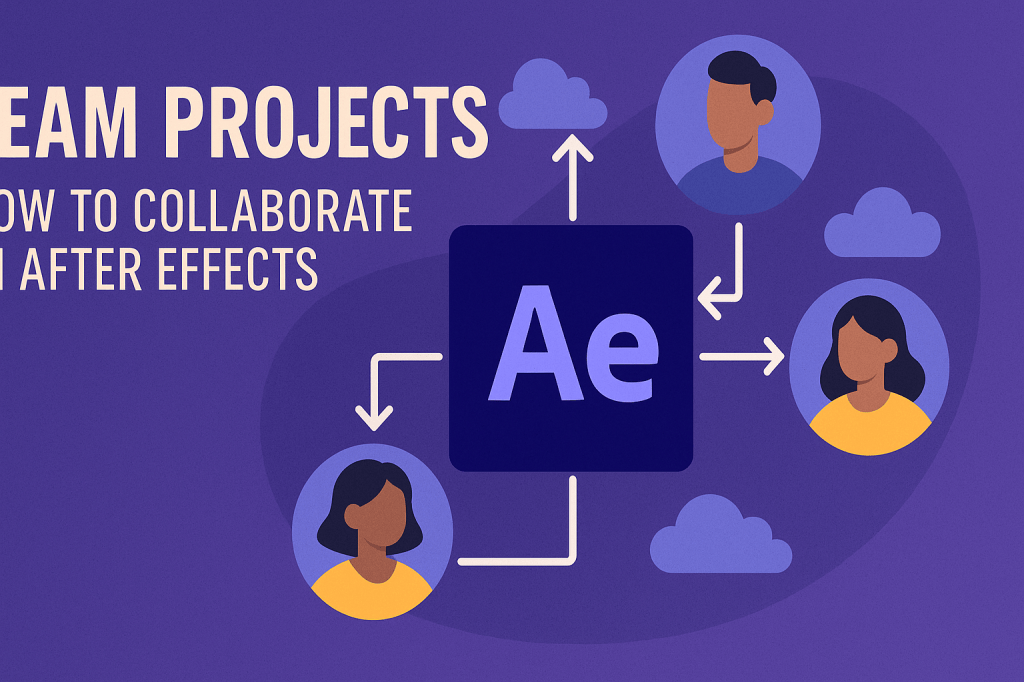
Motion graphics projects often involve multiple designers, editors, and clients. Adobe’s Team Projects feature makes collaboration in After Effects seamless, letting teams work together on shared projects in real time — without worrying about sending endless project files back and forth.
🤝 What Are Team Projects?
Team Projects is a cloud-based collaboration feature in Adobe Creative Cloud.
- Allows multiple users to work on the same After Effects project.
- Updates are synced in real time through Creative Cloud.
- Built for remote teams, agencies, and studios.
👉 No more “Final_v3_REALFINAL.aep” files — everything lives in the cloud.
🎬 Step 1: Create a Team Project
- Go to File > New Team Project.
- Name your project and invite collaborators via email.
- Add assets (footage, audio, graphics) — stored either locally or in shared cloud storage.
⚡ Step 2: Collaborate in Real Time
- Team members can edit simultaneously.
- Each collaborator sees changes when updates are shared.
- Conflicts (if two people edit the same layer) are flagged, so you can choose which version to keep.
🛠️ Step 3: Integrate with Premiere Pro
Team Projects isn’t limited to After Effects — you can use it with Premiere Pro too.
- Perfect for editors and motion designers working on the same campaign.
- Create animations in AE → instantly available in Premiere via Team Projects.
🎨 Step 4: Manage Versions
- Every change is saved as a version.
- Roll back to earlier versions at any time.
- No fear of losing progress.
⚡ Benefits of Team Projects
- Saves time on file transfers.
- Keeps projects organized in one place.
- Ideal for remote collaboration.
- Reduces version conflicts.
🎯 Final Thoughts
Adobe Team Projects is the future of collaborative motion design. It removes the headaches of version management and makes teamwork easy, whether you’re in the same office or across the globe.
👉 Want to try it? Download Adobe After Effects free trial and explore Team Projects for seamless collaboration.






