-
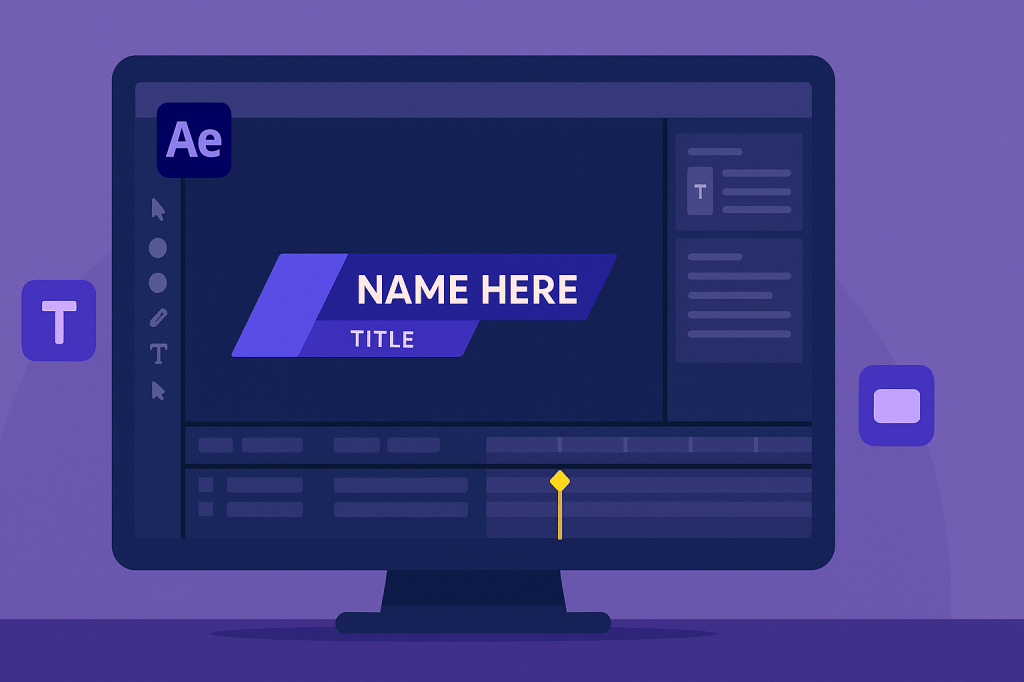 Continue reading →: How to Create Lower Thirds in After Effects
Lower thirds give your videos a professional touch. Learn how to design and animate lower thirds in After Effects with shapes, text, and smooth animations you can reuse as templates.
-
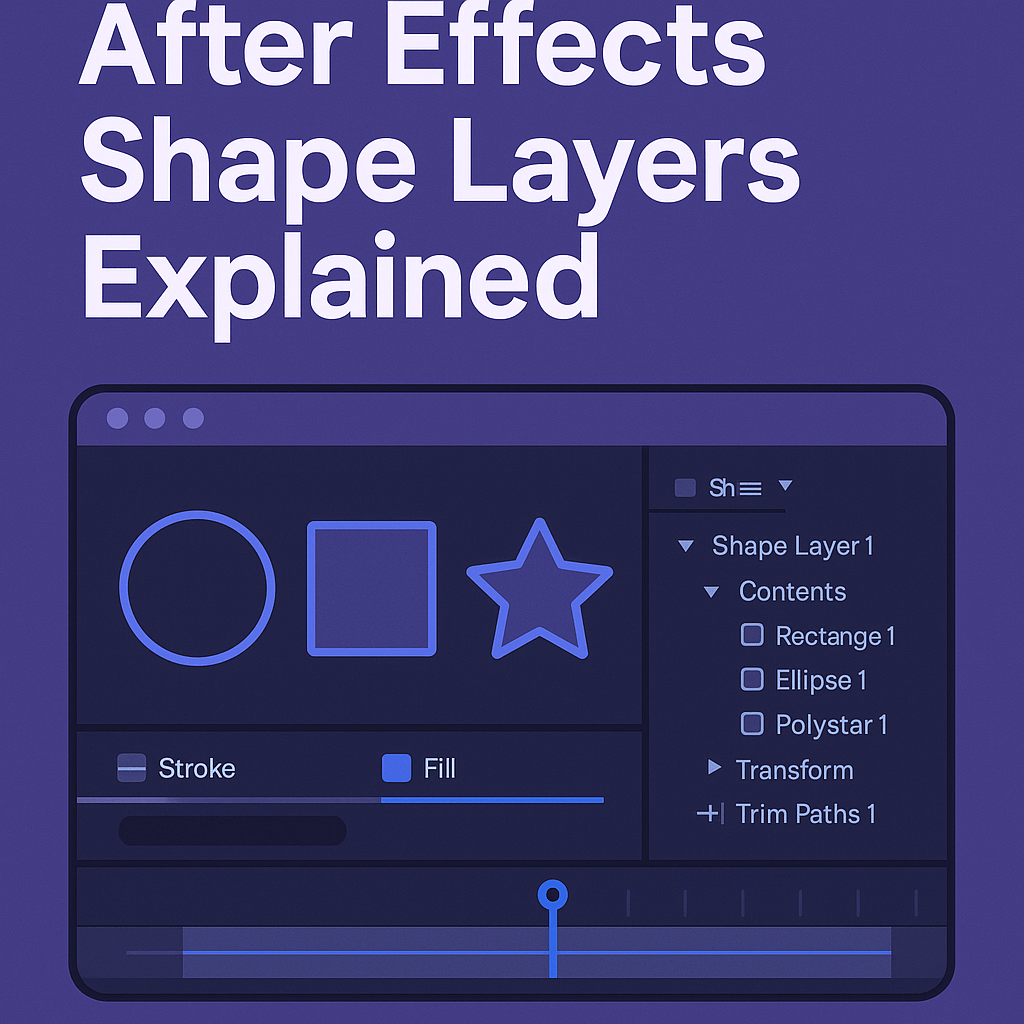 Continue reading →: After Effects Shape Layers Explained
Shape layers are powerful tools in After Effects, letting you create and animate graphics directly in the app. Learn how to use shapes, strokes, trim paths, and repeaters for professional motion design.
-
 Continue reading →: Creating Smooth Logo Animations in After Effects
Logo animations make brands memorable. Learn how to animate logos in After Effects with keyframes, masks, effects, and 3D tools for smooth, professional results.
-
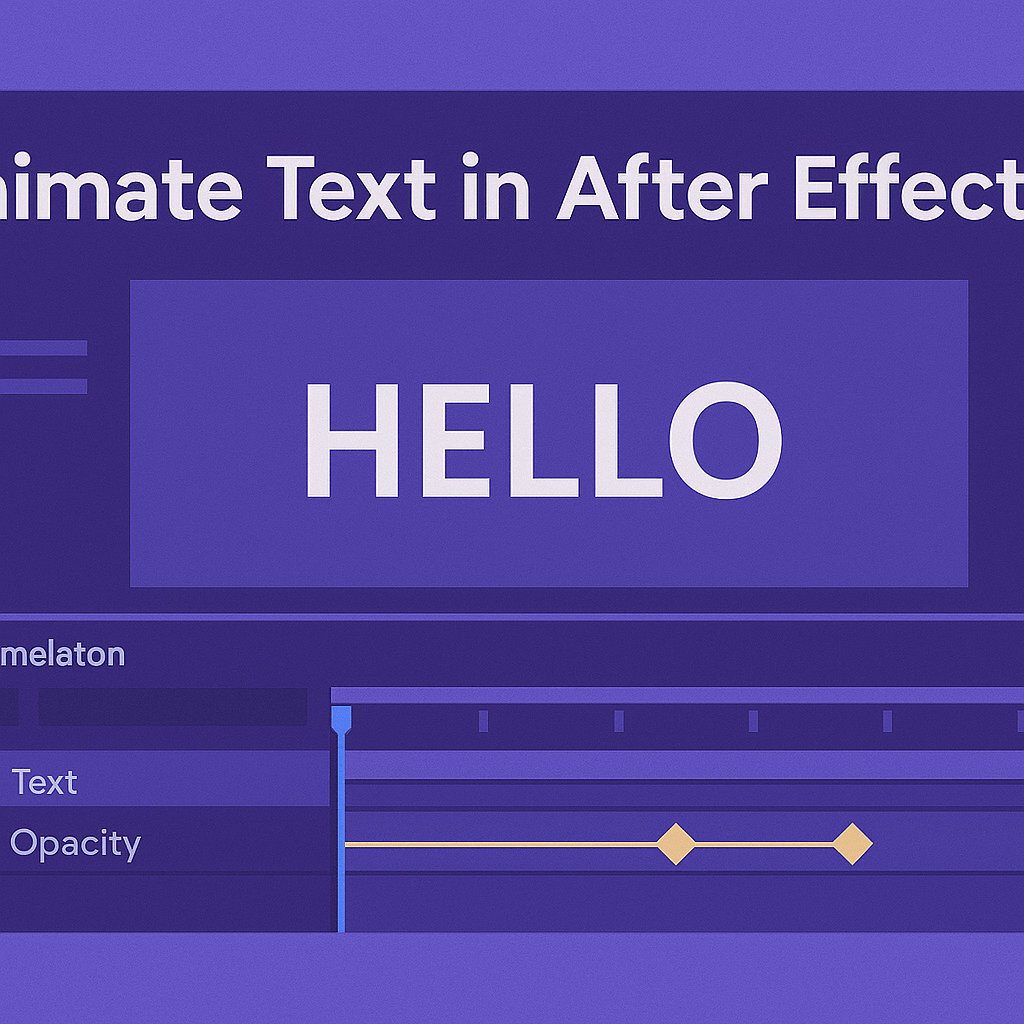 Continue reading →: How to Animate Text in After Effects (Step by Step)
Learn how to animate text in After Effects step by step. From simple opacity fades to kinetic typography, this beginner-friendly guide shows you how to bring your words to life.
-
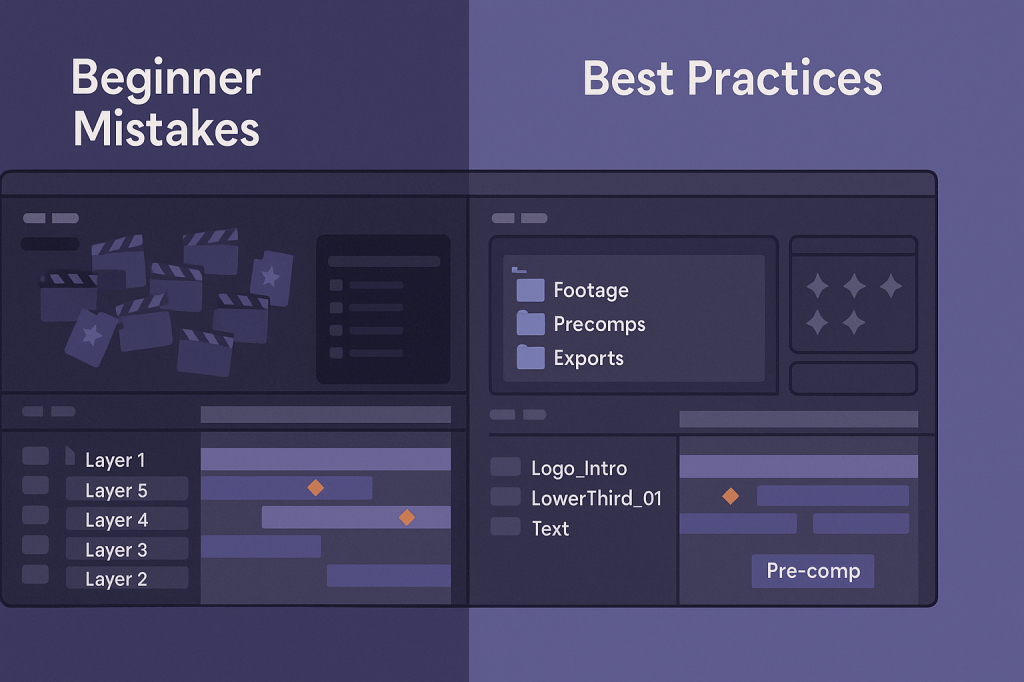 Continue reading →: Common Mistakes Beginners Make in After Effects
Avoid the most common beginner mistakes in After Effects, from messy project organization to overusing effects. Learn practical fixes that will keep your workflow clean, efficient, and professional.
-
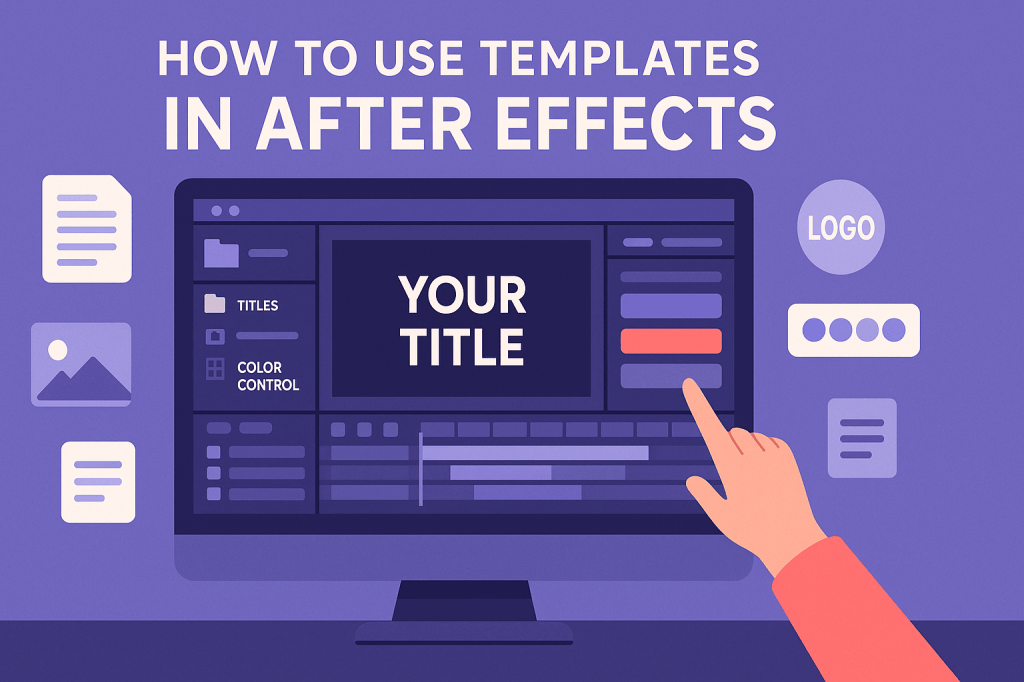 Continue reading →: How to Use Templates in After Effects
After Effects templates make motion graphics simple. Learn what they are, how to import and customize them, and why they save time while still allowing you to add your own creative style.
-
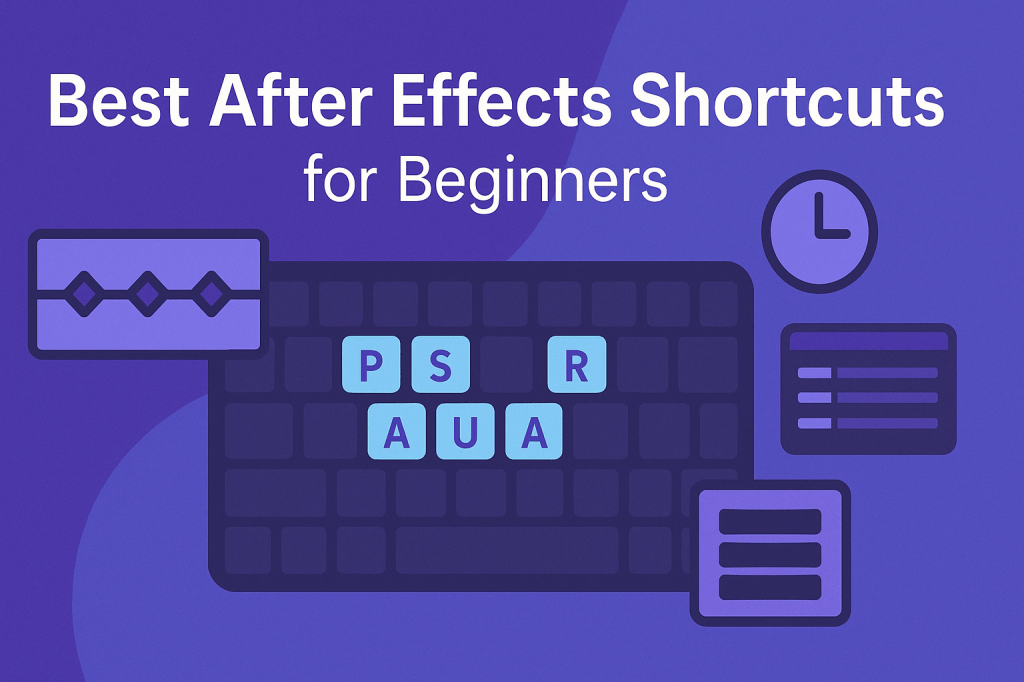 Continue reading →: Best After Effects Shortcuts for Beginners
Speed up your workflow with the best Adobe After Effects shortcuts for beginners. Learn the essential navigation, layer, transform, and keyframe shortcuts to animate faster and more efficiently.
-
 Continue reading →: How to Render and Export in After Effects (2025 Update)
Learn how to render and export in After Effects using the built-in Render Queue or Adobe Media Encoder. This 2025 update guide covers settings for YouTube, Instagram, TikTok, and film, plus pro tips for faster exports.
-
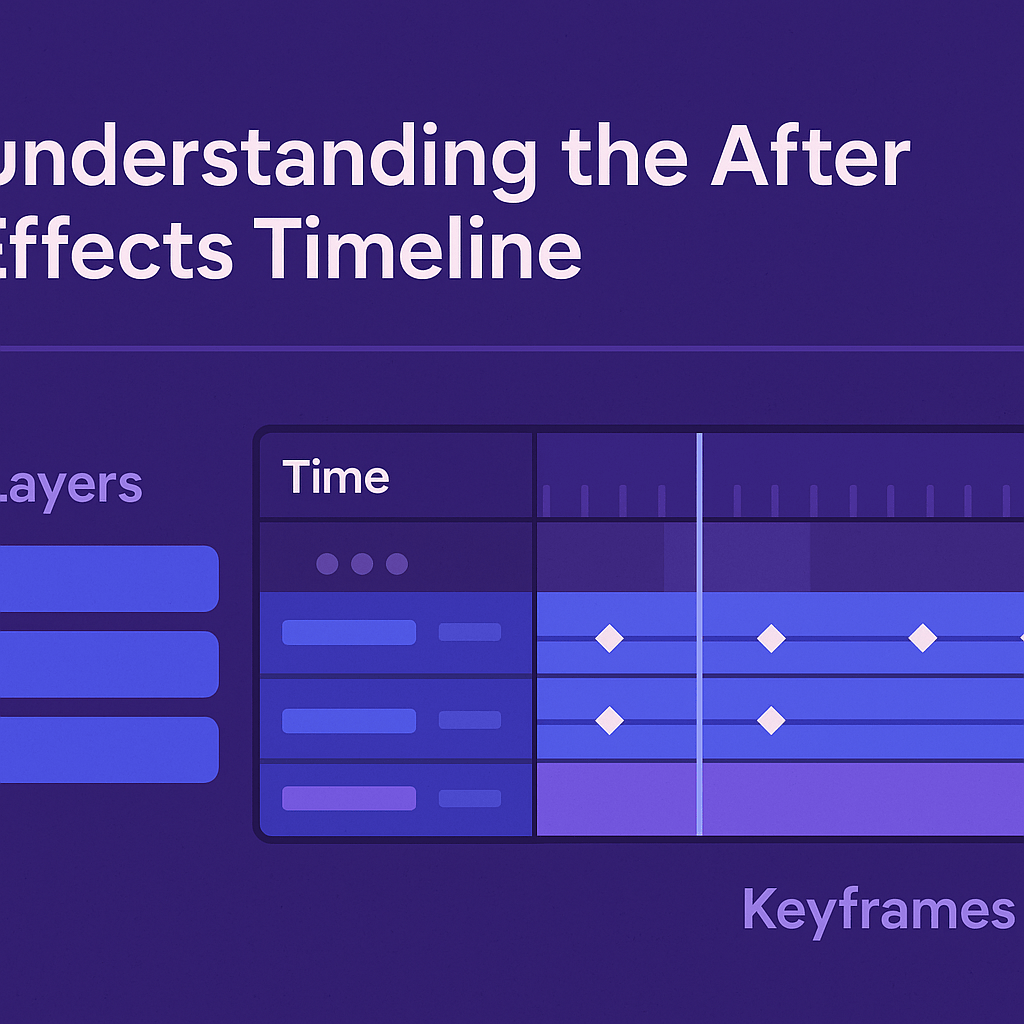 Continue reading →: Understanding the After Effects Timeline
The After Effects timeline is where animation happens. Learn how to use layers, keyframes, and markers, plus pro tips for navigating and organizing your projects efficiently.
-
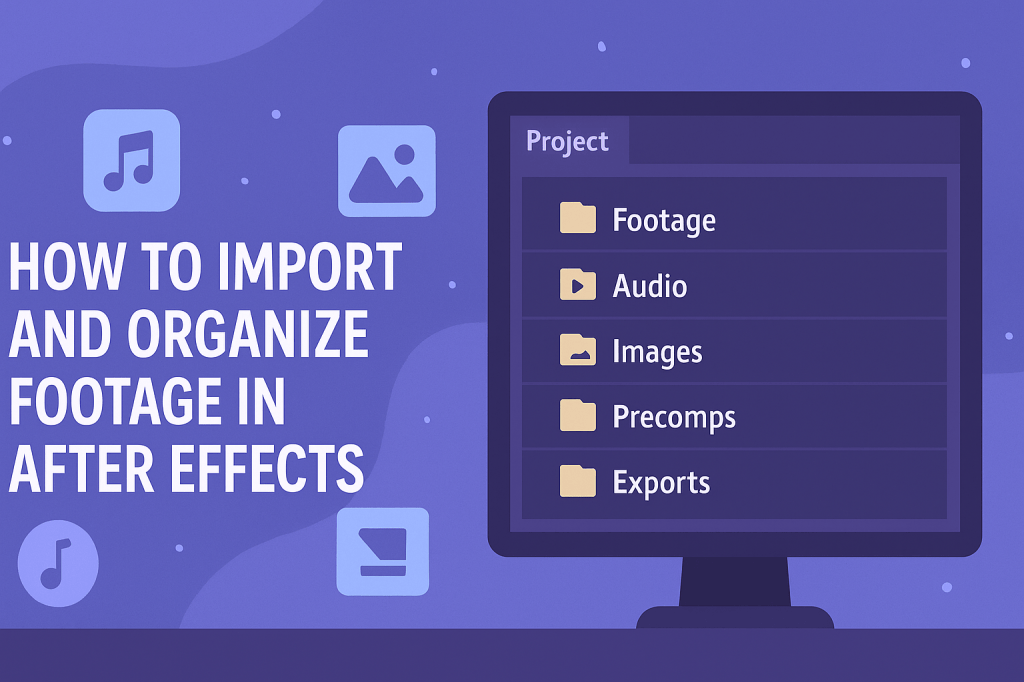 Continue reading →: How to Import and Organize Footage in After Effects
Importing and organizing footage is the foundation of any After Effects project. This guide shows you how to import files, set up folders, and use pre-comps to keep your timeline clean and efficient.
Hello,
I’m Ben

Welcome to After Effects Cloud, a place where I share my passion for Adobe After Effects, motion graphics, animation, and visual effects. I created this website to make learning After Effects easier, whether you’re opening the application for the first time or looking for new techniques to improve your creative work. Here you’ll find practical tutorials, feature guides, workflow tips, and updates covering the latest developments in After Effects. I’m constantly exploring new tools, including AI-powered features and the growing 3D capabilities inside After Effects, and I enjoy sharing what I discover along the way. I hope the articles inspire you to experiment, learn something new, and create amazing things with Adobe After Effects.
Let’s connect
Join the fun!
Stay updated with our latest tutorials and ideas by joining our newsletter.





