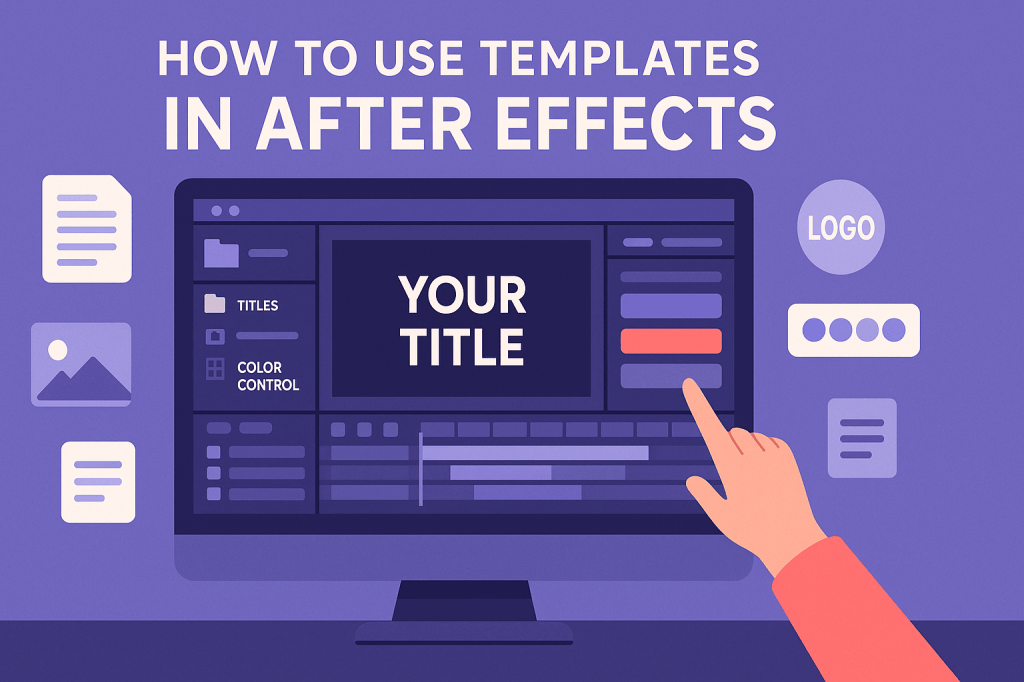
One of the fastest ways to create professional motion graphics is by using After Effects templates. Templates give you pre-made animations, transitions, and effects that you can customize with your own text, images, or branding. Whether you’re a beginner or a pro, they can save you hours of work.
🎬 What Are After Effects Templates?
Templates are ready-made project files (.aep) built by designers. They usually include:
- Pre-animated compositions (titles, intros, lower thirds, transitions)
- Placeholders for text, logos, or images
- Color and style controls for easy customization
- Instructions to guide you through editing
👉 Think of templates as “motion graphics blueprints.”
📥 Step 1: Import a Template
- Download a template from Adobe Stock or marketplaces (Envato Elements, Motion Array, etc.).
- Open the
.aepfile in After Effects. - You’ll see a project panel with folders for assets, comps, and controls.
✍️ Step 2: Customize the Template
- Replace text layers with your own wording.
- Swap placeholders with your logos, images, or footage.
- Adjust colors in the Control Layer (many templates include a simple color panel).
- Preview the animation to check timing.
👉 Pro Tip: Don’t overwrite the original template file — always save a new version before editing.
🎨 Step 3: Add Your Own Style
Templates are a starting point, not the final word. To make them unique:
- Change the font style and colors to match your brand.
- Adjust timing in the timeline to fit your video’s pacing.
- Add effects or overlays to enhance the look.
📤 Step 4: Export Your Final Video
Once you’ve customized your template:
- Add it to your main project comp.
- Render using Adobe Media Encoder for web-friendly MP4s.
- Export directly for YouTube, Instagram, or TikTok.
⚡ Why Use Templates?
- Save Time: Get professional results in minutes.
- Learn Faster: Templates show you how animations are structured.
- Look Professional: Perfect for client projects, intros, or quick social content.
🎯 Final Thoughts
After Effects templates are like creative jumpstarts — they give you polished designs you can adapt to your needs. Beginners learn faster, and professionals save time.
👉 Want to try it yourself? Start your Adobe After Effects free trial and download your first template today.






