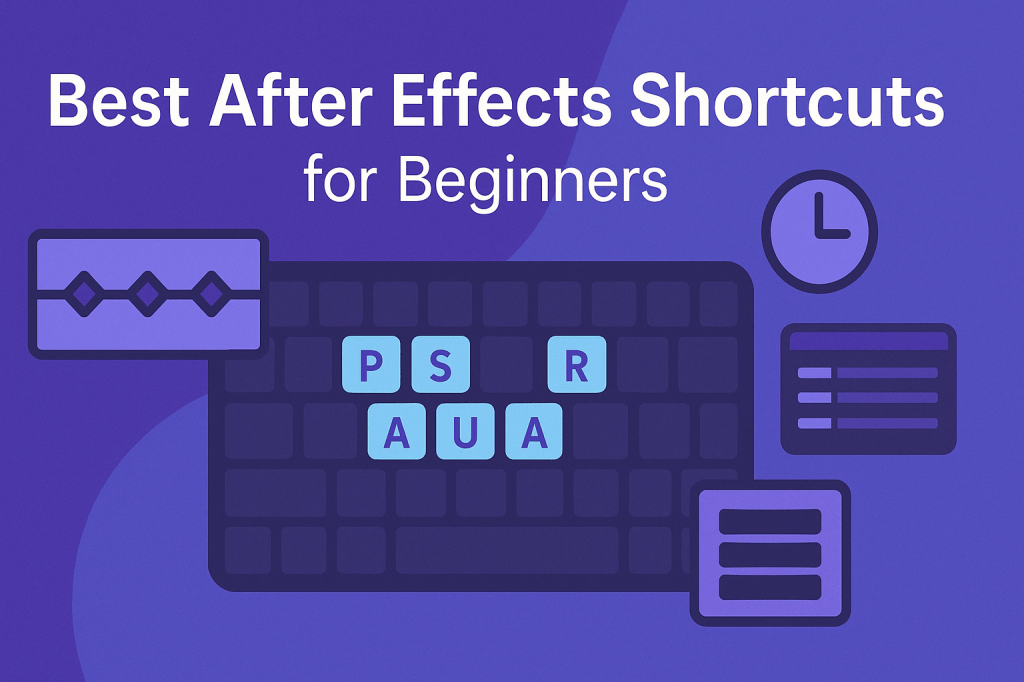
Adobe After Effects is a powerful tool, but navigating menus can slow you down. Keyboard shortcuts are the secret to working faster, staying creative, and reducing frustration. If you’re just starting out, here are the must-know shortcuts every beginner should learn.
🎬 Navigation Shortcuts
- Spacebar → Play/Pause preview
- 0 (Numpad) → RAM Preview (full preview with audio)
- Home → Jump to start of timeline
- End → Jump to end of timeline
- Page Up / Page Down → Move 1 frame backward/forward
- Shift + Page Up / Down → Move 10 frames
👉 These save you from constantly dragging the playhead around.
🧱 Layer & Composition Shortcuts
- Ctrl/Cmd + Y → New Solid layer
- Ctrl/Cmd + Alt + Y → New Null Object
- Ctrl/Cmd + Shift + Y → Solid Settings
- Ctrl/Cmd + N → New Composition
- Ctrl/Cmd + Shift + C → Pre-compose selected layers
👉 Pre-composing is essential for keeping projects organized.
🎨 Transform Property Shortcuts
Each layer’s core properties have single-letter shortcuts:
- P → Position
- S → Scale
- R → Rotation
- T → Opacity (think “Transparency”)
- A → Anchor Point
👉 Press Shift + [shortcut] to show multiple properties at once.
⏱️ Keyframe Shortcuts
- U → Show all animated properties
- UU (double tap U) → Show all modified properties
- Alt/Option + [ or ] → Trim layer in/out point
- F9 → Easy Ease selected keyframes
- Alt/Option + drag keyframe → Stretch timing
👉 Learning these will make animation smoother and more precise.
⚡ Timeline & Workflow Shortcuts
- Ctrl/Cmd + D → Duplicate layer
- Ctrl/Cmd + Shift + D → Split layer
- Ctrl/Cmd + Alt + B → Set work area to selected layers
- Shift + ? → Fit composition to window
- Tab → Cycle through panels
👉 Use these to keep your timeline clean and efficient.
🎯 Final Thoughts
Mastering shortcuts isn’t about memorizing hundreds of keys — it’s about learning the 20% that save you 80% of your time. Start with transform properties and keyframe shortcuts, then build from there.
👉 Ready to practice? Download Adobe After Effects free trial and put these shortcuts into action.






