-
 Continue reading →: After Effects Basics: Keyframes, Layers, and Compositions
Learn the three pillars of After Effects—compositions, layers, and keyframes. This beginner-friendly guide explains each concept with quick exercises, pro tips, and a mini project to help you build confident motion design skills.
-
 Continue reading →: How to Install and Set Up After Effects (Step by Step)
Learn how to install and set up Adobe After Effects in just a few simple steps. From system requirements to customizing your workspace, this beginner-friendly guide walks you through the full process.
-
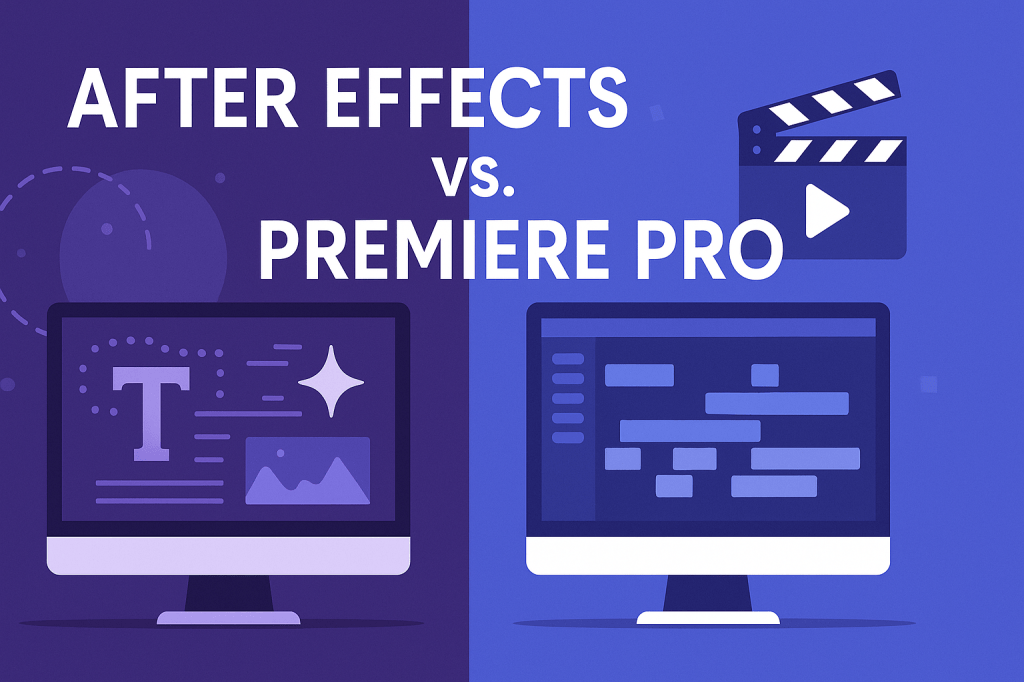 Continue reading →: After Effects vs. Premiere Pro: What’s the Difference?
Premiere Pro and After Effects are two of Adobe’s most powerful video tools, but they serve different purposes. Premiere Pro is for editing and storytelling, while After Effects adds motion graphics and visual effects. Learn the key differences and how they work together.
-
 Continue reading →: What Is Adobe After Effects? A Beginner’s Guide
Adobe After Effects is the go-to tool for creating motion graphics, animations, and visual effects. Whether you’re a beginner exploring keyframes or a professional designing cinematic intros, After Effects unlocks endless creative possibilities. Learn what it is, what you can do with it, and how to get started.
Hello,
I’m Ben

Welcome to After Effects Cloud, a place where I share my passion for Adobe After Effects, motion graphics, animation, and visual effects. I created this website to make learning After Effects easier, whether you’re opening the application for the first time or looking for new techniques to improve your creative work. Here you’ll find practical tutorials, feature guides, workflow tips, and updates covering the latest developments in After Effects. I’m constantly exploring new tools, including AI-powered features and the growing 3D capabilities inside After Effects, and I enjoy sharing what I discover along the way. I hope the articles inspire you to experiment, learn something new, and create amazing things with Adobe After Effects.
Let’s connect
Join the fun!
Stay updated with our latest tutorials and ideas by joining our newsletter.





