Every great animation or VFX project begins with well-organized footage. Adobe After Effects makes it easy to bring in your files — but if you skip organization, your timeline will quickly become chaos. Here’s how to import and structure your assets like a pro.
📥 Step 1: Importing Footage
You can import almost any media format into After Effects: video clips, audio, images, Photoshop/Illustrator files, and even 3D objects.
Methods to Import:
- Drag & Drop: From your desktop into the Project panel.
- Menu Import: File > Import > File… (Ctrl/Cmd+I).
- Multiple Files: Hold Shift/Ctrl to import several at once.
- Premiere Pro Dynamic Link: Import entire Premiere sequences directly, no rendering needed.
👉 Pro Tip: If working with Photoshop or Illustrator, choose Import As: Composition – Retain Layer Sizes to keep your design layers editable.
🗂️ Step 2: Organizing the Project Panel
The Project Panel is your command center. Without structure, things get messy fast.
Best Practices for Organization:
- Create folders: Right-click → New Folder.
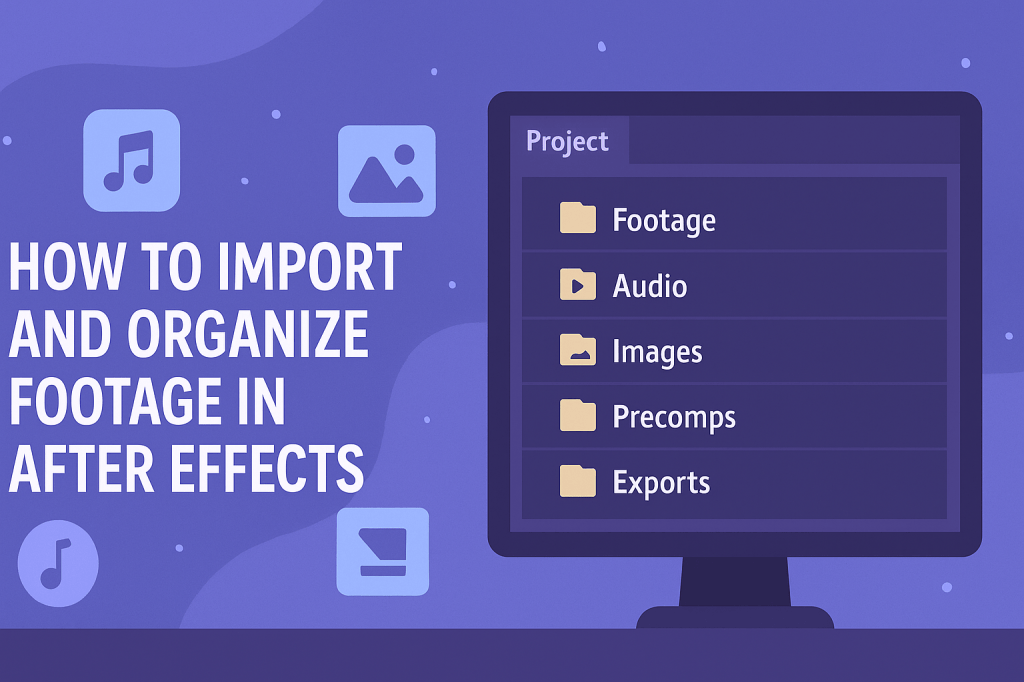
- Suggested folder structure:
/Footage/Audio/Images/Precomps/Solids/Exports
- Color-label your layers for clarity (Right-click → Label).
🎬 Step 3: Creating Pre-Compositions
Pre-comps act like sub-timelines, letting you bundle layers together.
Use pre-comps for:
- Grouping titles, animations, or transitions.
- Keeping effects separate from raw footage.
- Reusing the same animation multiple times.
👉 Example: Put all lower-thirds into a Precomp_LowerThirds so your main timeline stays clean.
🔎 Step 4: Managing File Links
After Effects links to your files — it doesn’t copy them. If you move or rename a file outside AE, you’ll see the dreaded “Missing Footage” warning.
Fix it:
- Right-click the missing item → Replace Footage.
- Point AE to the new file location.
👉 Pro Tip: Keep all assets in one project folder before importing. This avoids broken links later.
⚡ Pro Workflow Tips
- Use Collections (folders) inside the Project Panel to mimic your edit structure.
- Prefix filenames with numbers (e.g.,
01_Intro.mp4) for logical order. - Keep render/export comps in a dedicated
/Exportsfolder. - Use Adobe Bridge to preview files before importing.
🎯 Final Thoughts
Importing and organizing footage may not feel as exciting as animating, but it’s the foundation of every smooth project. A clean project panel = faster edits, fewer mistakes, and less stress.
👉 Start experimenting today with the Adobe After Effects free trial and practice setting up a project like a pro.






