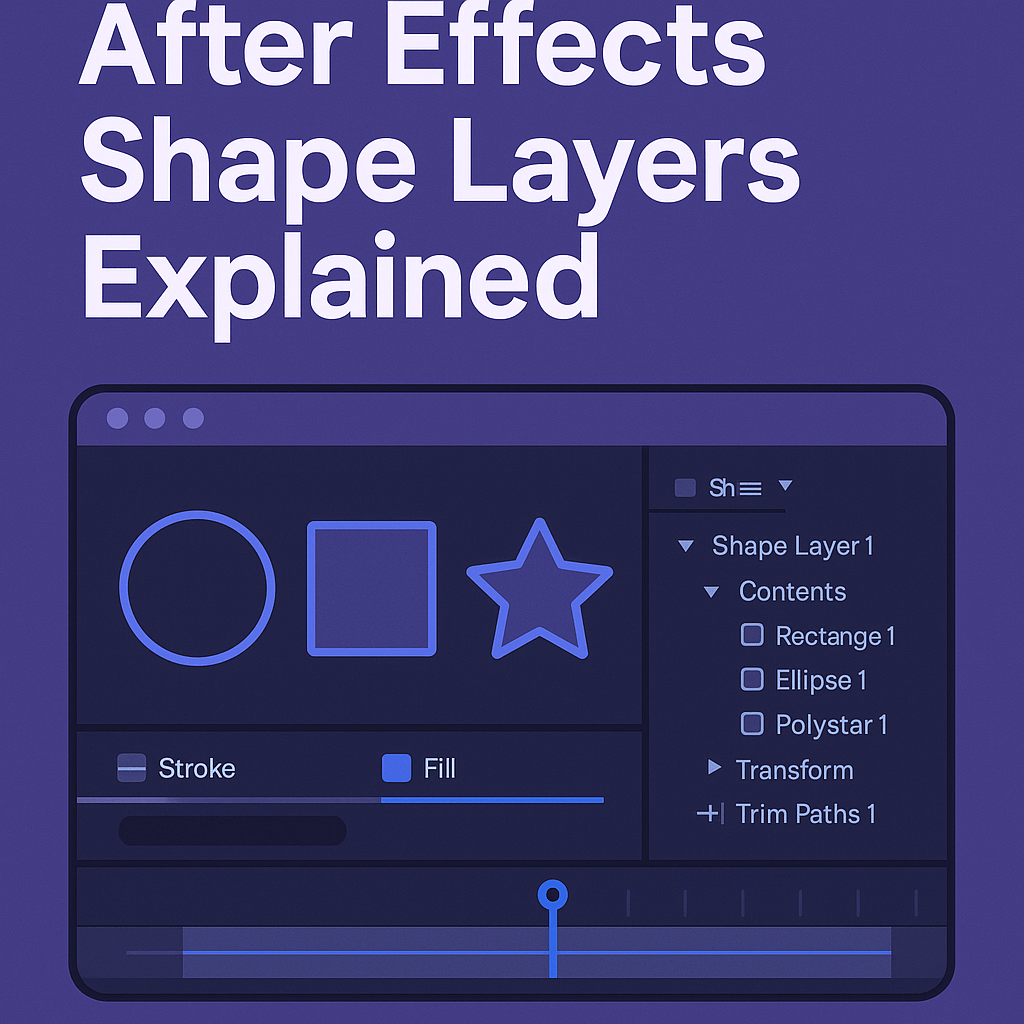
Shape layers are one of the most versatile tools in Adobe After Effects. They let you build graphics directly inside AE without importing artwork from Illustrator or Photoshop. If you’ve ever made circles, rectangles, or custom vector shapes in AE, you were working with shape layers. Here’s everything you need to know.
🎨 What Are Shape Layers?
Shape layers are vector-based graphics created inside After Effects. They can be:
- Basic shapes: rectangles, ellipses, polygons, stars.
- Custom paths: drawn with the Pen Tool.
- Text-to-shape conversions: turning text into editable vector paths.
👉 Since they’re vectors, shape layers can be scaled infinitely with no loss of quality.
🧱 Anatomy of a Shape Layer
Each shape layer contains:
- Contents: The actual shape paths (Rectangles, Ellipses, etc.).
- Transform properties: Position, Scale, Rotation, Opacity.
- Shape properties: Fill, Stroke, Round Corners, Merge Paths, and more.
👉 Pro Tip: Each shape group has its own transforms, separate from the layer’s overall transform. This gives you deep animation control.
✍️ Creating Shape Layers
- Select the Shape Tool (Rectangle, Ellipse, Polygon, or Star).
- Draw inside your composition window.
- AE automatically creates a new shape layer.
👉 To draw a shape inside an existing shape layer, make sure the layer is selected before drawing.
🎬 Animating Shape Layers
Shape layers can be animated just like any other layer, but they also have unique animators:
- Path animations: Move or morph the shape.
- Stroke animations: Animate line thickness or color.
- Trim Paths: Reveal a shape gradually — perfect for logo outlines or animated graphs.
- Repeater: Duplicate a shape multiple times with offsets for hypnotic effects.
⚡ Best Uses for Shape Layers
- Animated logos and icons
- Infographics and charts
- Motion design elements (arrows, lines, bursts)
- Background patterns and overlays
- Abstract motion graphics
🎯 Final Thoughts
Shape layers are like mini-design studios inside After Effects. With Trim Paths, Repeaters, and endless transform options, you can create dynamic motion graphics without leaving AE.
👉 Want to try them out? Download Adobe After Effects free trial and start experimenting with shape layers today.






