-
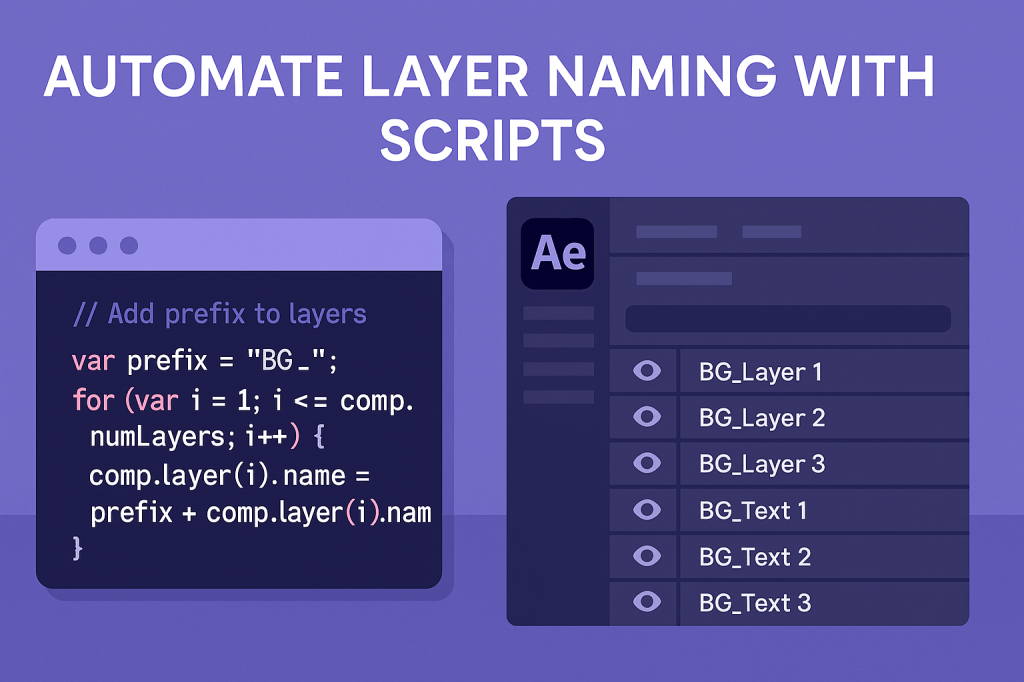 Continue reading →: After Effects: Automate Layer Naming with Scripts
Tired of messy After Effects timelines? Learn how to automate layer naming with scripts — from adding prefixes to sequential renaming for better project organization.
-
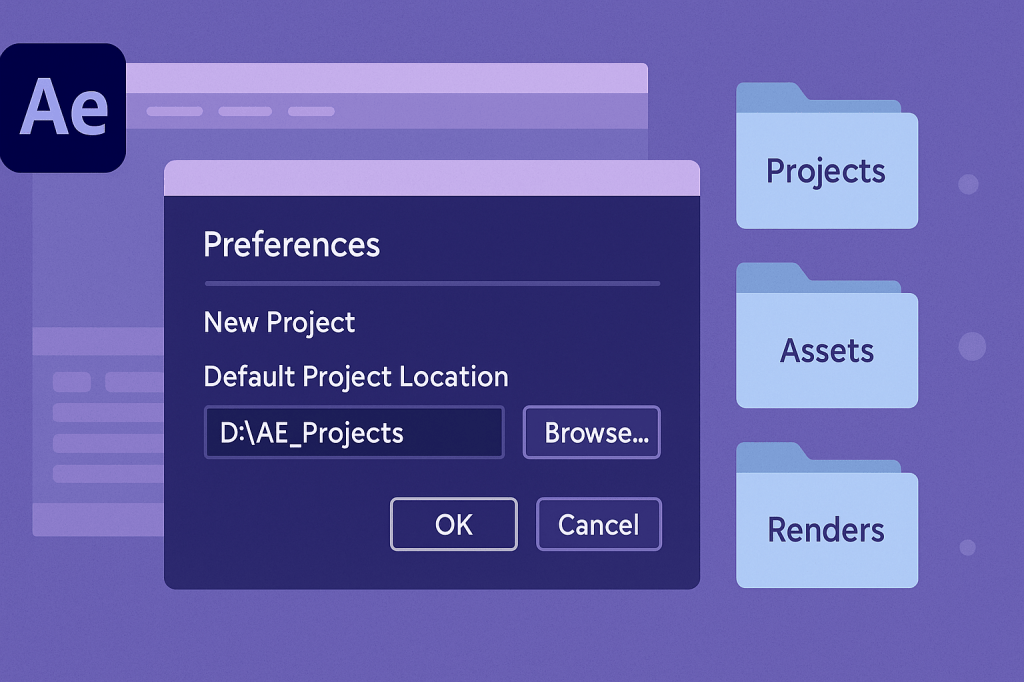 Continue reading →: After Effects: How To Change the Default Project Location
By default, After Effects saves projects in your Documents folder. Learn how to change the default project location to a custom drive, cloud folder, or shared workspace for better organization.
-
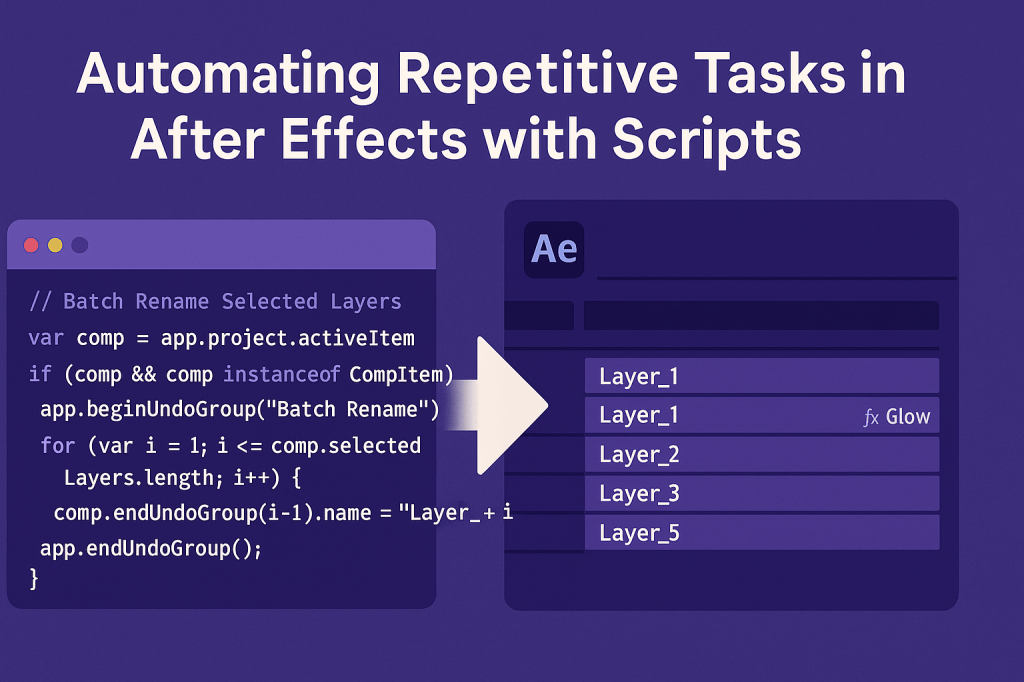 Continue reading →: Automating Repetitive Tasks in After Effects with Scripts
Stop repeating the same tasks in After Effects. Learn how to use scripts to batch rename layers, apply effects, and automate workflows for faster results.
-
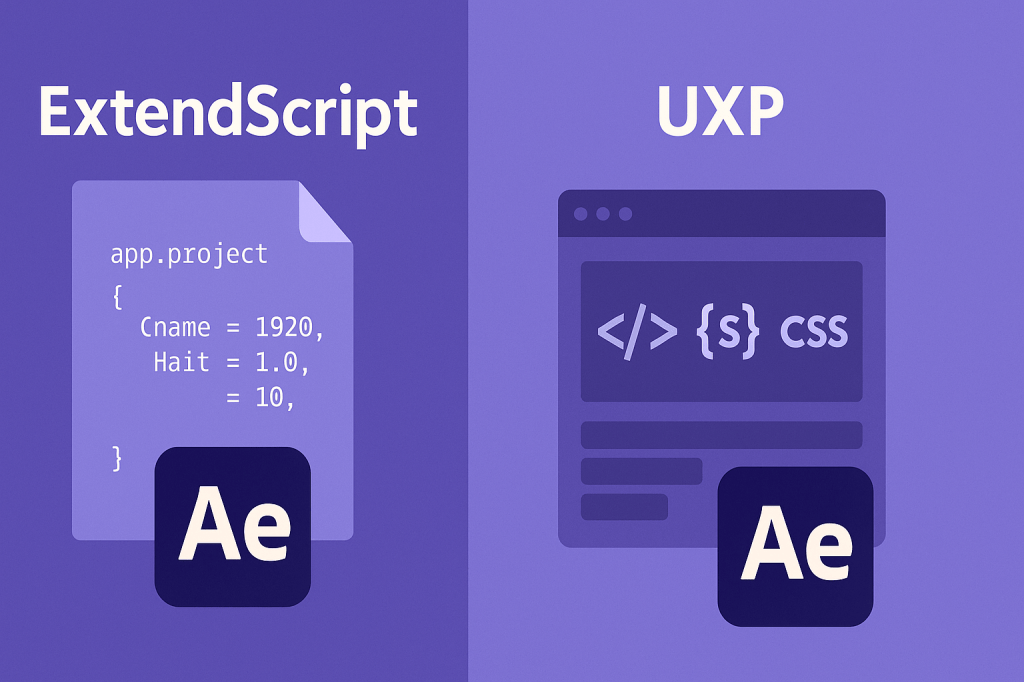 Continue reading →: ExtendScript vs. UXP: Which One Should You Learn?
ExtendScript and UXP are two ways to script in After Effects. Learn the key differences, pros and cons, and which one you should learn for automation and plugin development.
-
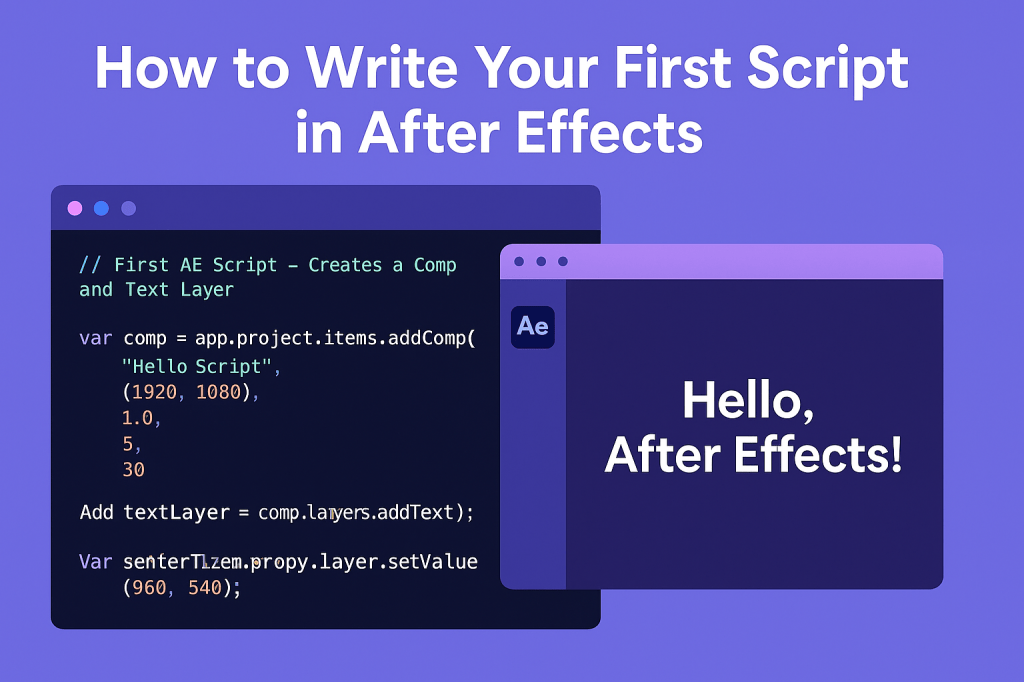 Continue reading →: How to Write Your First Script in After Effects
Learn how to write your first After Effects script. With just a few lines of ExtendScript, you can create a composition and text layer automatically.
-
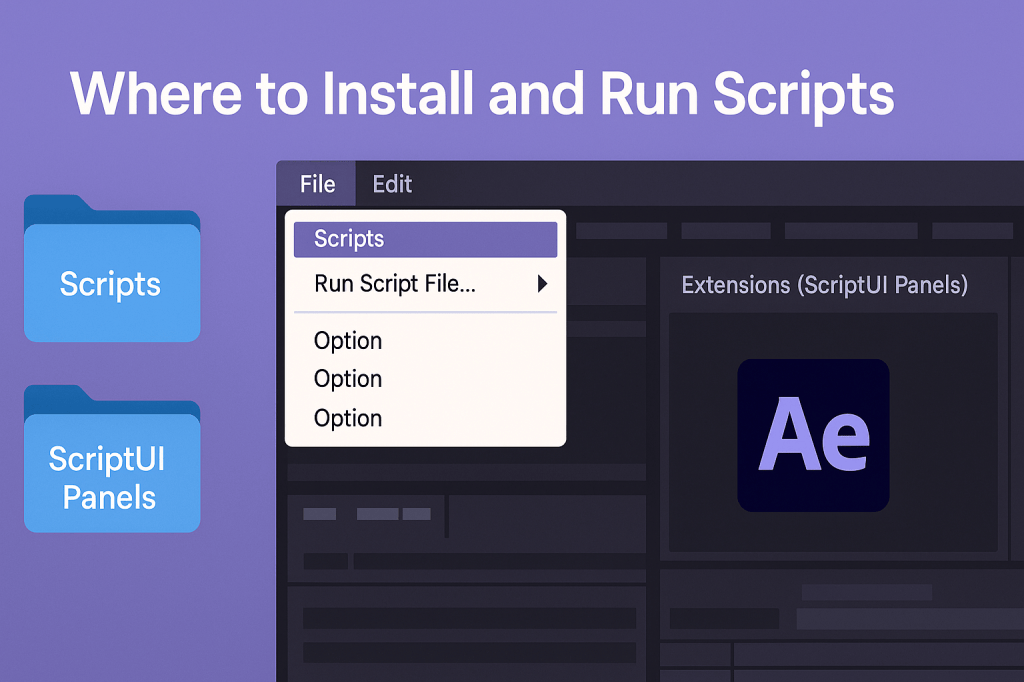 Continue reading →: After Effects: Where to Install and Run Scripts
Learn where to install and run scripts in After Effects. Find the right folders for Scripts and ScriptUI Panels, enable scripting, and start running automation tools.
-
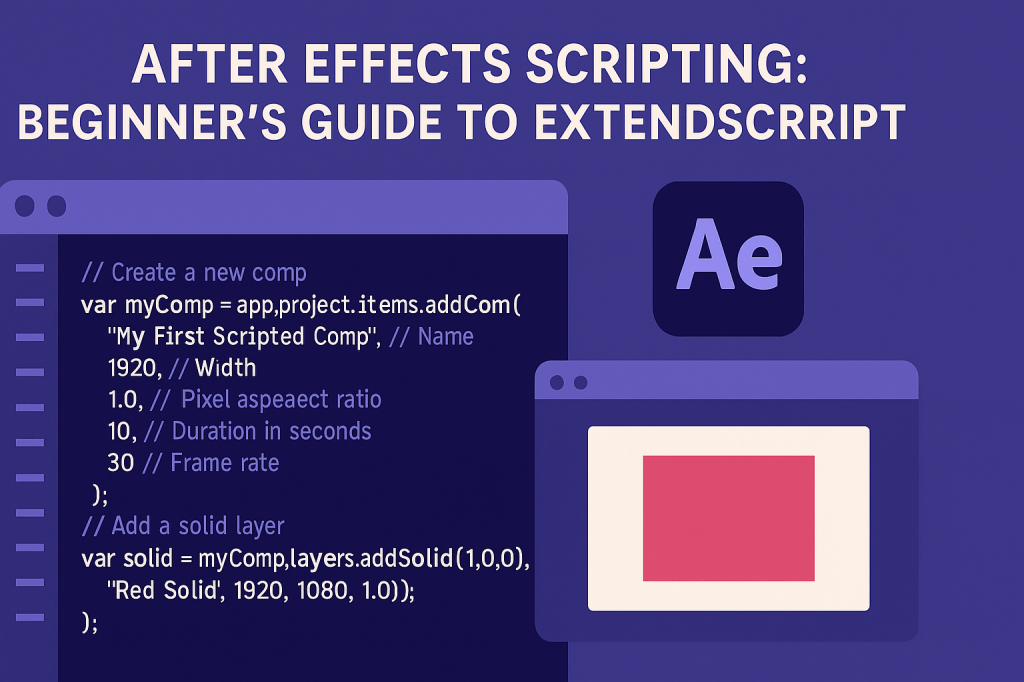 Continue reading →: After Effects Scripting: Beginner’s Guide to ExtendScript
ExtendScript lets you automate After Effects with code. Learn how to write your first script, run it, and create a comp with just a few lines of JavaScript.
-
 Continue reading →: After Effects: How To Set Up Version Control with Scripting Projects
Version control keeps your After Effects scripting projects safe and organized. Learn how to use Git, semantic versioning, and collaboration workflows to track changes and release stable builds.
-
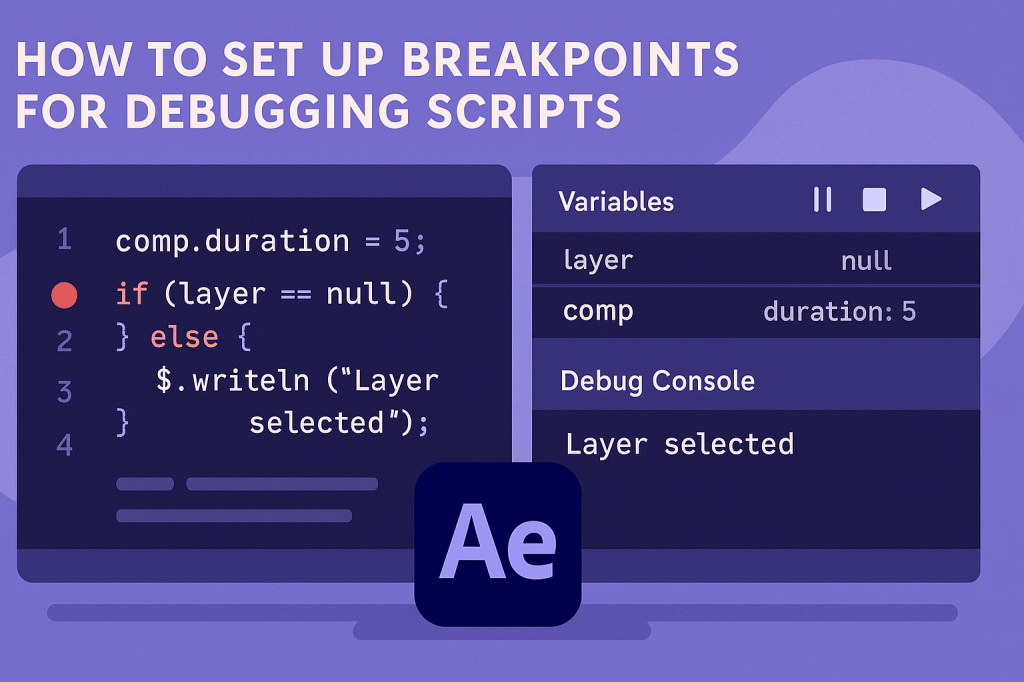 Continue reading →: After Effects: How To Set Up Breakpoints for Debugging Scripts
Debugging After Effects scripts is easier with breakpoints. Learn how to set up breakpoints using ExtendScript Toolkit, VS Code Debugger, or UXP DevTools to inspect variables and step through code.
-
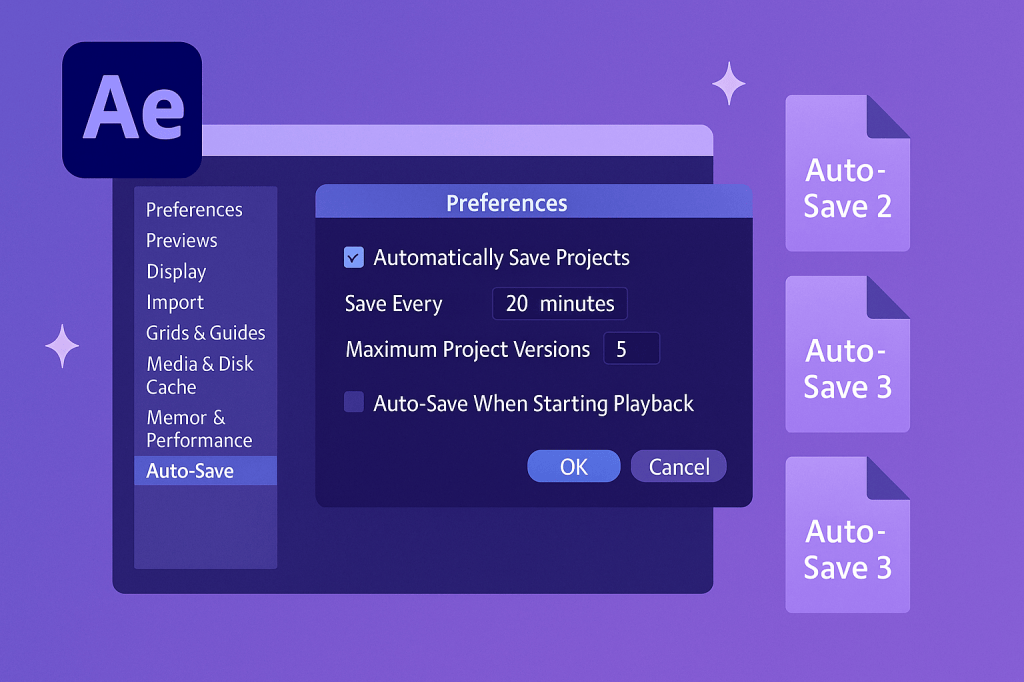 Continue reading →: After Effects: How To Set Up Auto-Save
Don’t risk losing work in After Effects. Learn how to set up Auto-Save, customize intervals and versions, and restore projects from backups.
Hello,
I’m Ben

Welcome to After Effects Cloud, a place where I share my passion for Adobe After Effects, motion graphics, animation, and visual effects. I created this website to make learning After Effects easier, whether you’re opening the application for the first time or looking for new techniques to improve your creative work. Here you’ll find practical tutorials, feature guides, workflow tips, and updates covering the latest developments in After Effects. I’m constantly exploring new tools, including AI-powered features and the growing 3D capabilities inside After Effects, and I enjoy sharing what I discover along the way. I hope the articles inspire you to experiment, learn something new, and create amazing things with Adobe After Effects.
Let’s connect
Join the fun!
Stay updated with our latest tutorials and ideas by joining our newsletter.





