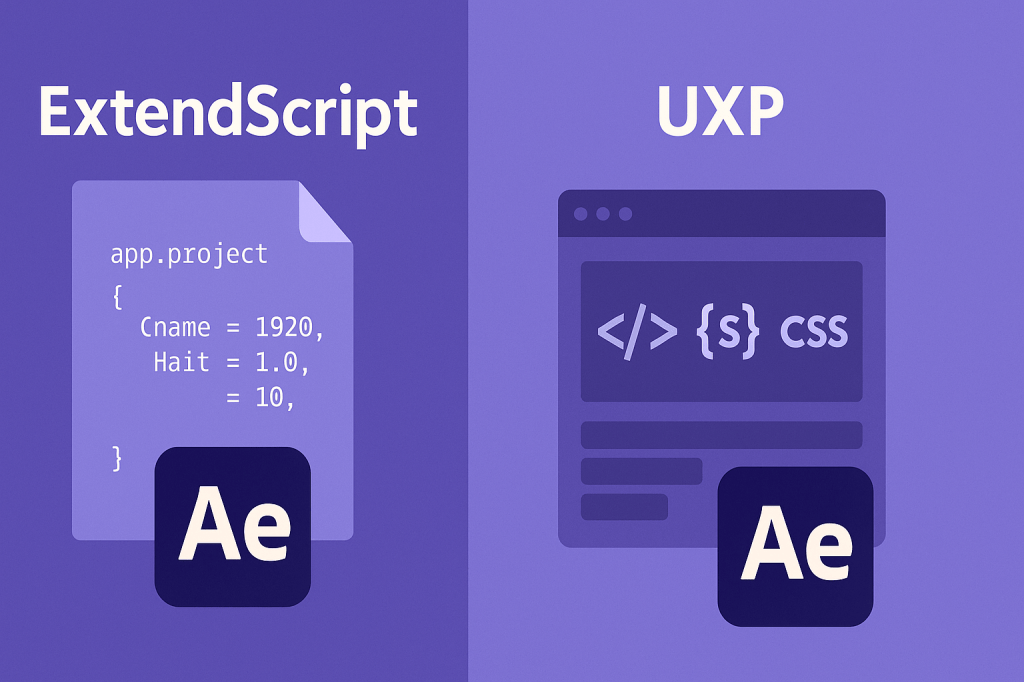
If you’re diving into scripting or plugin development for After Effects, you’ll quickly come across two terms: ExtendScript and UXP. Both allow you to automate tasks and extend After Effects, but they’re very different technologies. This article explains the differences, strengths, and which one you should learn in 2025 and beyond.
🎬 What Is ExtendScript?
- Adobe’s legacy scripting language, based on JavaScript ES3.
- Used for decades to automate workflows in After Effects, Photoshop, Illustrator, and more.
- Works with
.jsxand.jsxbinscripts. - Still widely supported, especially in older pipelines.
👉 Example use: Create comps, add layers, apply effects, batch render.
⚡ What Is UXP?
- Unified Extensibility Platform (UXP) is Adobe’s modern plugin framework.
- Uses modern JavaScript (ES6+), HTML, and CSS.
- Lets you build panels, UI, and plugins with performance improvements over ExtendScript.
- Debugging is easier with Chrome DevTools.
👉 Example use: Build interactive UI panels, integrate APIs, create modern AE tools.
🎨 Key Differences
| Feature | ExtendScript | UXP |
|---|---|---|
| Language Standard | JavaScript ES3 | JavaScript ES6+ (modern) |
| Debugging | ExtendScript Toolkit (legacy) | Chrome DevTools (modern) |
| UI Creation | ScriptUI (limited) | HTML/CSS panels (flexible, modern) |
| Performance | Slower | Faster, optimized |
| Best For | Automation scripts | Modern plugins, UI panels |
🎬 Which One Should You Learn?
- Learn ExtendScript if…
- You need compatibility with older AE versions.
- You only want to automate repetitive tasks.
- Your team already relies on legacy JSX scripts.
- Learn UXP if…
- You’re building modern plugins or panels.
- You want to use current JavaScript standards.
- You plan to distribute or sell tools in the Adobe Exchange marketplace.
✨ Pro Tip: Learn Both
- Start with ExtendScript for automation basics.
- Transition to UXP for modern UI and plugin development.
- Many workflows today use a mix of both depending on project needs.
🎯 Final Thoughts
ExtendScript isn’t going away yet, but UXP is the future. If you’re just starting out, learn ExtendScript for automation and then move into UXP for advanced plugin development. That way, you’ll cover both current workflows and future opportunities.
👉 Want to test scripting today? Download Adobe After Effects free trial and try writing your first script.






