If you find yourself clicking through the same menus and performing the same tasks over and over in After Effects, scripting can save you hours of work. By automating repetitive actions, you can focus on the creative parts of motion design while letting code handle the boring stuff.
🎬 Why Automate Tasks in After Effects?
- Save time: Speed up workflows by reducing clicks.
- Consistency: Ensure projects follow the same structure.
- Scalability: Apply changes to dozens of layers or comps instantly.
- Less error-prone: Let scripts handle exact values and placement.
⚡ Common Tasks You Can Automate
- Creating Compositions in Bulk
Generate multiple comps with standard settings for a project. - Batch Renaming Layers
Automatically rename layers with prefixes or numbers. - Applying Effects to Multiple Layers
Add the same effect and settings to dozens of clips at once. - Duplicating & Offsetting Layers
Create looped animations or staggered text reveals automatically. - Rendering Multiple Outputs
Queue multiple comps for rendering without setting them up manually.
🎨 Example: Batch Rename Layers
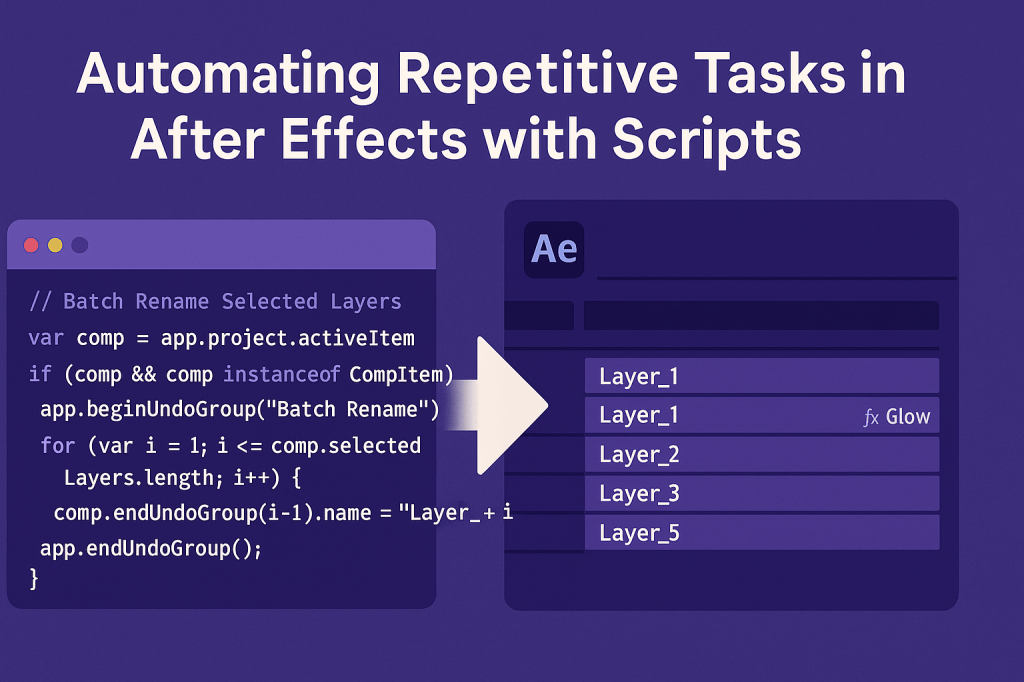
Here’s a simple script that renames selected layers:
// Batch Rename Selected Layers
var comp = app.project.activeItem;
if (comp && comp instanceof CompItem) {
    app.beginUndoGroup("Batch Rename");
    for (var i = 1; i <= comp.selectedLayers.length; i++) {
        comp.selectedLayers[i-1].name = "Layer_" + i;
    }
    app.endUndoGroup();
}
👉 Select multiple layers, run the script, and they’ll all be renamed Layer_1, Layer_2….
🎬 Example: Apply Effect to All Selected Layers
// Apply Glow Effect to All Selected Layers
var comp = app.project.activeItem;
if (comp && comp instanceof CompItem) {
    app.beginUndoGroup("Apply Glow");
    for (var i = 0; i < comp.selectedLayers.length; i++) {
        comp.selectedLayers[i].Effects.addProperty("ADBE Glow");
    }
    app.endUndoGroup();
}
👉 This script adds a Glow effect to every selected layer.
✨ Tips for Automation
- Use Undo Groups (
app.beginUndoGroup()) so users can revert easily. - Test scripts on small projects before using them in production.
- Save commonly used scripts in the Scripts or ScriptUI Panels folder for quick access.
- Build ScriptUI panels for your most-used automations.
🎯 Final Thoughts
Automation through scripting is one of After Effects’ hidden superpowers. By writing small scripts for repetitive tasks, you can save countless hours and focus on creativity instead of manual clicks.
👉 Want to try it? Download Adobe After Effects free trial and build your first automation script today.






