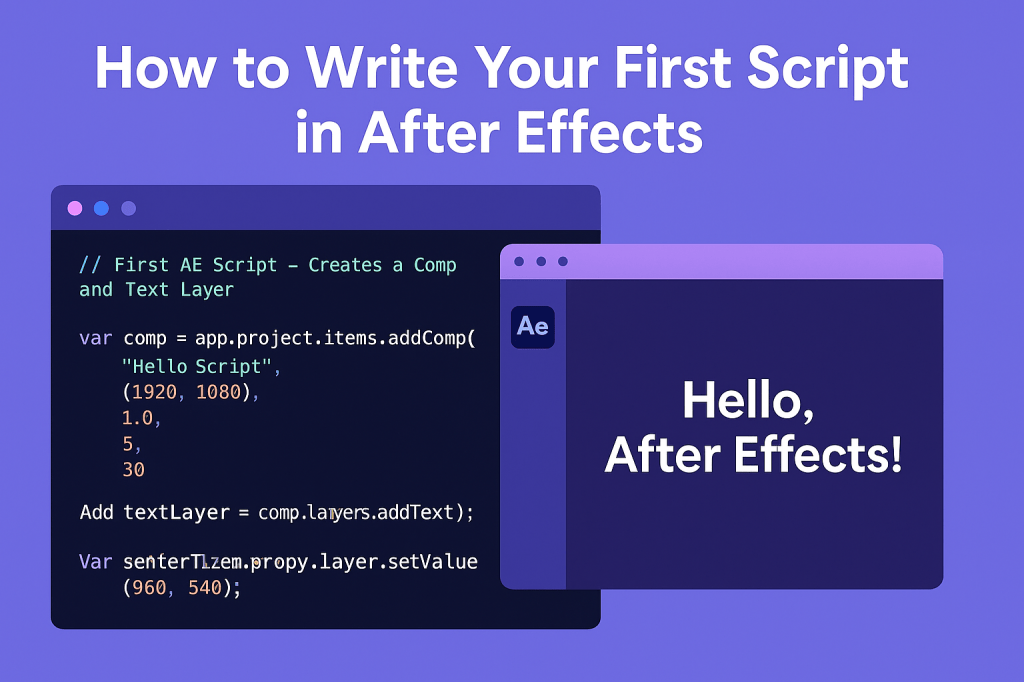
If you’ve ever wished After Effects could perform your repetitive tasks for you, scripting is the solution. With just a few lines of code, you can automate compositions, create layers, and save valuable time. In this tutorial, we’ll walk through writing and running your very first After Effects script.
🎬 Step 1: Understand What Scripts Can Do
After Effects scripts are written in ExtendScript, Adobe’s JavaScript-based language. Scripts can:
- Create compositions and layers.
- Apply and adjust effects.
- Batch render projects.
- Build custom workflows.
👉 Think of them as instructions that tell AE what to do without clicking menus.
🎨 Step 2: Set Up Your Script Environment
You can write scripts in:
- ExtendScript Toolkit (ESTK) — older but still functional in legacy workflows.
- Visual Studio Code + ExtendScript Debugger extension — modern setup for most developers.
- Any text editor (Notepad, Sublime, etc.), then save as
.jsx.
📂 Save scripts in:
- Windows:
C:/Program Files/Adobe/Adobe After Effects/Support Files/Scripts/ - Mac:
/Applications/Adobe After Effects/Scripts/
⚡ Step 3: Write a Simple Script
Here’s a beginner-friendly script:
// First AE Script - Creates a Comp and Text Layer

// Create a new composition
var comp = app.project.items.addComp(
    "Hello Script", // Name
    1920, // Width
    1080, // Height
    1.0,  // Pixel aspect ratio
    5,    // Duration (seconds)
    30    // Frame rate
);

// Add a text layer
var textLayer = comp.layers.addText("Hello, After Effects!");

// Center the text
textLayer.property("Position").setValue([960, 540]);
🎬 Step 4: Run the Script
- Save it as
helloScript.jsx. - In After Effects, go to File > Scripts > Run Script File….
- Select your script.
👉 AE will create a new comp with centered text.
✨ Step 5: Experiment
- Change the comp duration or resolution.
- Replace text with your own.
- Try adding multiple layers.
👉 The more you tweak, the more comfortable you’ll get with scripting.
🎯 Final Thoughts
Your first script doesn’t need to be complex — the goal is to understand how ExtendScript talks to After Effects. From here, you can expand into automation, expressions, and even building UI panels.
👉 Want to try scripting today? Download Adobe After Effects free trial and run your first .jsx file.






