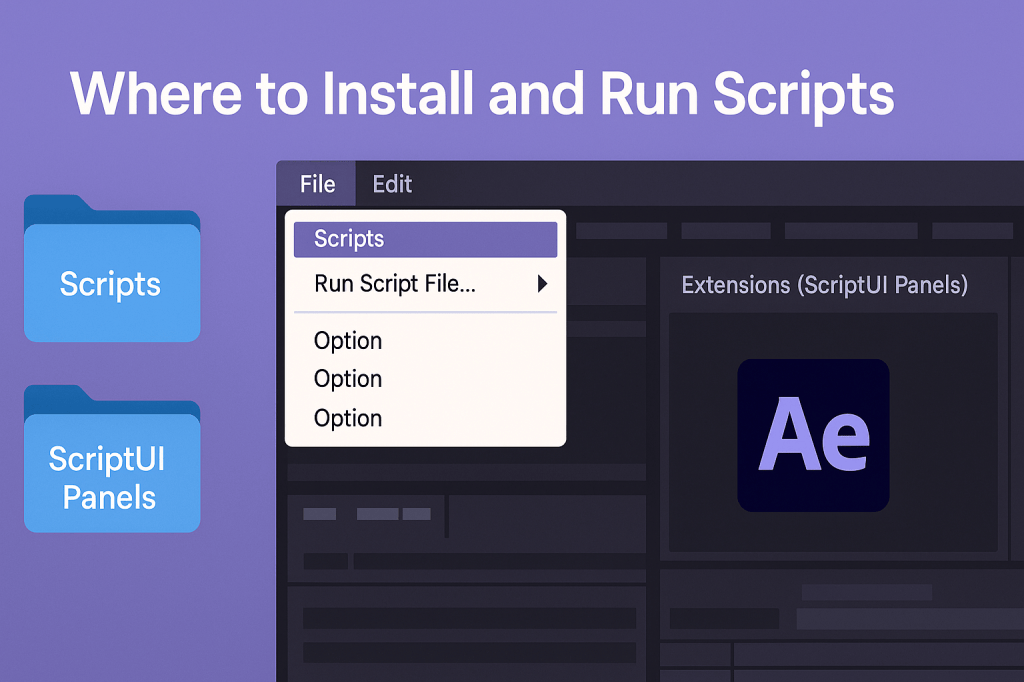
After Effects scripts are powerful tools for automating workflows, but to use them properly, you need to know where to install them and how to run them inside the application. This guide walks you through the process step by step.
🎬 Step 1: Understand Script Types
- Scripts (.jsx or .jsxbin) → Run manually from the Scripts menu.
- ScriptUI Panels (.jsx) → Appear as dockable panels inside AE, like built-in effects.
👉 The install location depends on which type of script you’re using.
🎨 Step 2: Script Installation Locations
- General Scripts Folder
- Scripts appear under File > Scripts.
- Location:
- Windows:
C:/Program Files/Adobe/Adobe After Effects <version>/Support Files/Scripts/ - Mac:
/Applications/Adobe After Effects <version>/Scripts/
- Windows:
- ScriptUI Panels Folder
- Scripts appear under Window > Extensions (ScriptUI Panels).
- Location:
- Windows:
C:/Program Files/Adobe/Adobe After Effects <version>/Support Files/Scripts/ScriptUI Panels/ - Mac:
/Applications/Adobe After Effects <version>/Scripts/ScriptUI Panels/
- Windows:
⚡ Step 3: Enable Scripts to Run
Before scripts will work, you may need to enable scripting in After Effects:
- Go to Edit (Windows) / After Effects (Mac) > Preferences > Scripting & Expressions.
- Check: Allow Scripts to Write Files and Access Network.
- Restart AE.
👉 This is required for advanced scripts that save files or access external data.
🎬 Step 4: Running Scripts
- Manual Scripts:
- Go to File > Scripts > Run Script File….
- Select your
.jsxscript and run it.
- Installed Scripts:
- Scripts placed in the Scripts folder appear directly in File > Scripts.
- ScriptUI Panels:
- Find them under Window > Extensions (ScriptUI Panels).
- Dock them like other AE panels.
✨ Step 5: Best Practices
- Organize scripts into folders if you use many.
- Keep backups — AE updates may overwrite the Scripts folder.
- For frequently used scripts, assign Keyboard Shortcuts (Edit > Keyboard Shortcuts).
- Use .jsxbin (binary scripts) for protected/commercial scripts.
🎯 Final Thoughts
Installing and running scripts in After Effects is simple once you know the right folders. Whether you’re running automation scripts or custom UI panels, scripts make AE smarter and your workflow faster.
👉 Want to try it? Download Adobe After Effects free trial and install your first script today.






