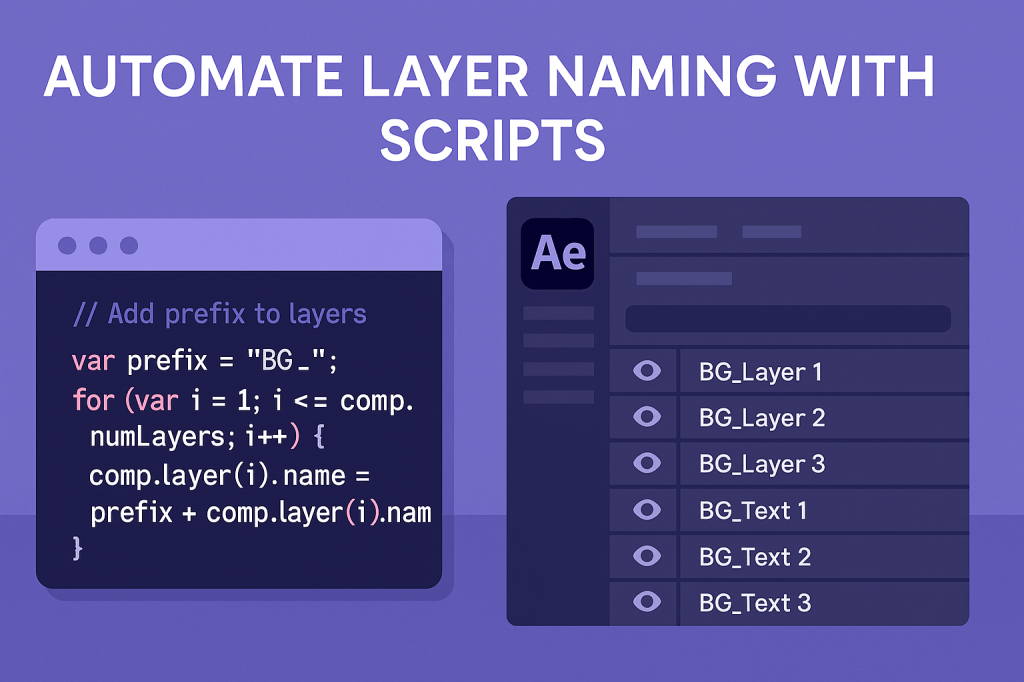
If you’ve ever worked with dozens of layers in After Effects, you know how messy timelines can get. Renaming layers manually is time-consuming and error-prone. With scripting, you can automate layer naming for faster and cleaner projects.
🎬 Why Automate Layer Naming?
- Organization: Keep projects structured and readable.
- Speed: Rename dozens of layers instantly.
- Consistency: Apply naming conventions across projects.
- Collaboration: Make timelines clearer for team members.
🎨 Step 1: Identify the Active Comp
Before renaming, the script needs to target the active composition:
var comp = app.project.activeItem;
if (!(comp instanceof CompItem)) {
    alert("Please select a composition first.");
}
⚡ Example Script: Add Prefix to All Layers
// Add "BG_" prefix to all layers
var comp = app.project.activeItem;
if (comp && comp instanceof CompItem) {
    app.beginUndoGroup("Rename Layers");
    for (var i = 1; i <= comp.numLayers; i++) {
        comp.layer(i).name = "BG_" + comp.layer(i).name;
    }
    app.endUndoGroup();
}
👉 This renames every layer in the active comp with a BG_ prefix.
🎬 Example Script: Rename Selected Layers Sequentially
// Rename selected layers as "Element_1, Element_2..."
var comp = app.project.activeItem;
if (comp && comp instanceof CompItem) {
    app.beginUndoGroup("Sequential Rename");
    for (var i = 0; i < comp.selectedLayers.length; i++) {
        comp.selectedLayers[i].name = "Element_" + (i+1);
    }
    app.endUndoGroup();
}
👉 Perfect for organizing multiple imported assets.
✨ Step 2: Customize Naming Rules
- Use layer type as part of the name:
Text_,Solid_,Null_. - Include index numbers:
Layer_01, Layer_02. - Apply conditional logic: only rename specific layer types.
Example: Rename only text layers:
if (comp.layer(i) instanceof TextLayer) {
    comp.layer(i).name = "TXT_" + comp.layer(i).name;
}
🧪 Advanced Idea
Build a ScriptUI Panel with input fields for prefix/suffix. That way, you can rename layers dynamically without editing code each time.
🎯 Final Thoughts
Automating layer naming with scripts keeps your After Effects projects clean, professional, and easy to navigate. With just a few lines of ExtendScript, you can eliminate messy timelines forever.
👉 Want to try it? Download Adobe After Effects free trial and run your first layer naming script today.






