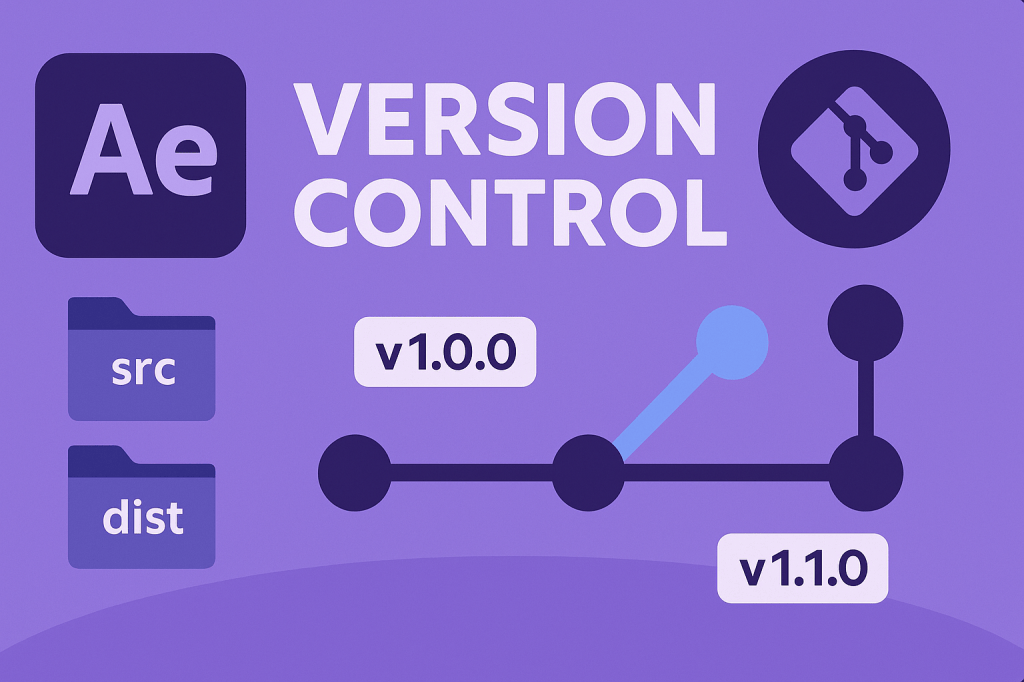
When developing scripts or plugins for After Effects, keeping track of changes is just as important as writing code. Without version control, it’s easy to lose track of updates, overwrite working code, or break features. Setting up version control ensures you can experiment safely, roll back to stable builds, and collaborate effectively with other developers.
🎬 Why Use Version Control for After Effects Scripts?
- Track changes: See what was modified and when.
- Rollback safely: Restore older, stable versions if something breaks.
- Collaboration: Multiple developers can work on the same project.
- Documentation: Commit messages create a development history.
- Integration: Works with both ExtendScript (JSX) and modern UXP (JavaScript/React) panels.
⚡ Step 1: Organize Your Script Project
- Create a project folder for your script or plugin. Example:
AE_Scripts/├── src/ # Source code├── dist/ # Compiled JSX/UXP builds├── assets/ # UI elements, icons└── README.md - Keep source code separate from production builds.
- For ExtendScript (
.jsx), you can keep multiple script versions inside/src/. - For UXP plugins, structure with
manifest.json,/src/, and/resources/.
🎨 Step 2: Initialize Git Version Control
- Open your terminal in the project folder.
- Run:
git init - Add a
.gitignorefile to exclude unnecessary files:/dist /node_modules .DS_Store Thumbs.db - Make your first commit:
git add . git commit -m "Initial commit - AE scripting project setup"
⚡ Step 3: Create a Branching Strategy
- main → stable releases.
- dev → active development.
- feature/ → individual new features or experiments.
👉 Example workflow:
git checkout -b feature/motion-tracker
git commit -m "Added motion tracker script"
git merge feature/motion-tracker
🎬 Step 4: Use Semantic Versioning
Adopt a simple numbering system:
1.0.0→ Major release (new API, breaking changes).1.1.0→ Feature release (new tools, functions).1.1.1→ Bug fixes or patches.
👉 Update version numbers in filenames, plugin manifests, or comments inside scripts. Example:
// Motion Tracker Script v1.1.0
✨ Step 5: Automate Version Control with Build Tools
For larger projects, use build tools to manage versions automatically:
- npm scripts → For bundling and version tagging.
- Git tags → Mark specific commits as releases:
git tag -a v1.0.0 -m "First stable release" git push origin v1.0.0 - Continuous Integration (CI/CD) → Run tests and deploy builds automatically (e.g., GitHub Actions).
🛠️ Step 6: Backup and Collaboration
- Push your repository to GitHub, GitLab, or Bitbucket:
git remote add origin https://github.com/username/ae-scripts.git git push -u origin main - Invite collaborators to contribute via pull requests.
- Use issues and milestones to track bugs and feature requests.
🎯 Final Thoughts
Setting up version control for After Effects scripting projects is a must for any serious developer. By organizing your code, using Git, and adopting semantic versioning, you gain a reliable workflow that scales from solo work to team collaboration.
👉 Ready to get started? Download Adobe After Effects free trial and pair it with GitHub or GitLab for your first version-controlled script.






