-
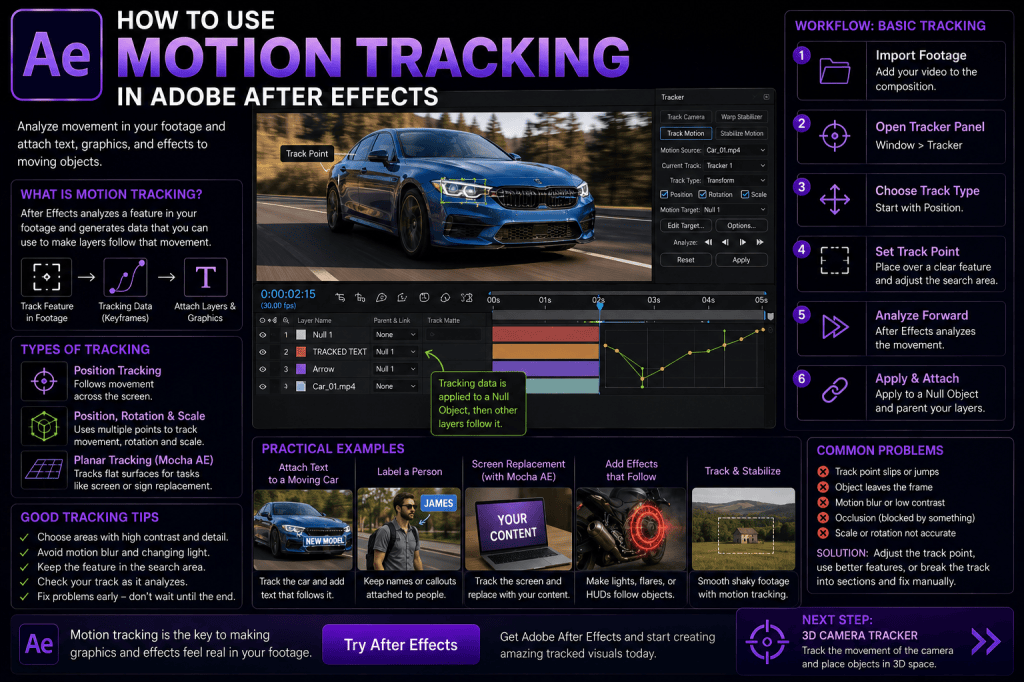 Continue reading →: How to Use Motion Tracking in Adobe After Effects: Complete Beginner Guide
Motion tracking is one of the most useful visual-effects techniques you can learn in Adobe After Effects. It allows After Effects to analyze movement in video and use that movement to control another layer. For example, you can make text follow a moving car, attach a graphic to a laptop…
-
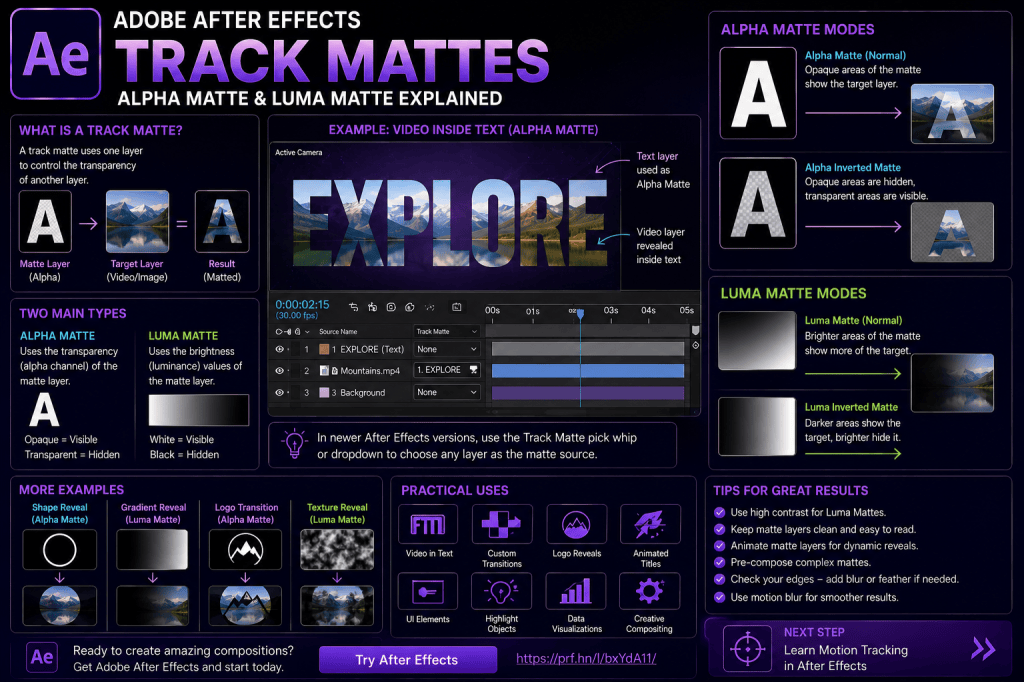 Continue reading →: Adobe After Effects Track Mattes: Alpha Matte and Luma Matte Explained
Track mattes are one of the most useful compositing tools in Adobe After Effects. They let you use one layer to control which parts of another layer are visible. That simple idea opens the door to a huge range of effects. You can put video inside text, reveal photographs through…
-
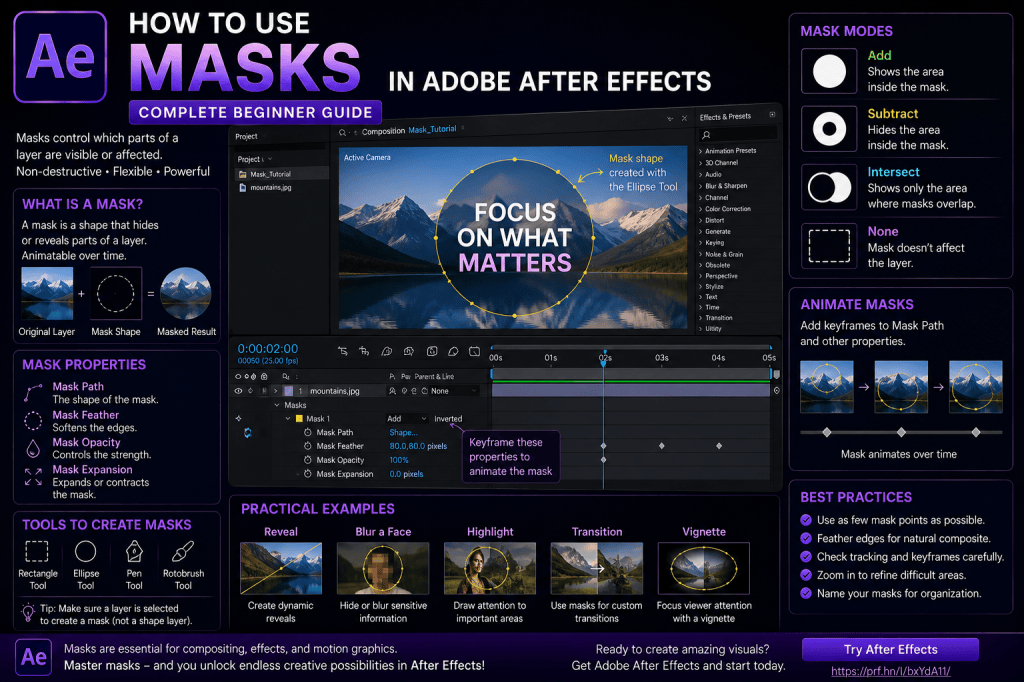 Continue reading →: How to Use Masks in Adobe After Effects: Complete Beginner Guide
Masks are one of the fundamental tools you need to understand in Adobe After Effects. They can hide part of a layer, reveal an object, isolate an area of footage, restrict an effect to a particular region, create transitions, produce animated reveals, and help with many compositing tasks. At first,…
-
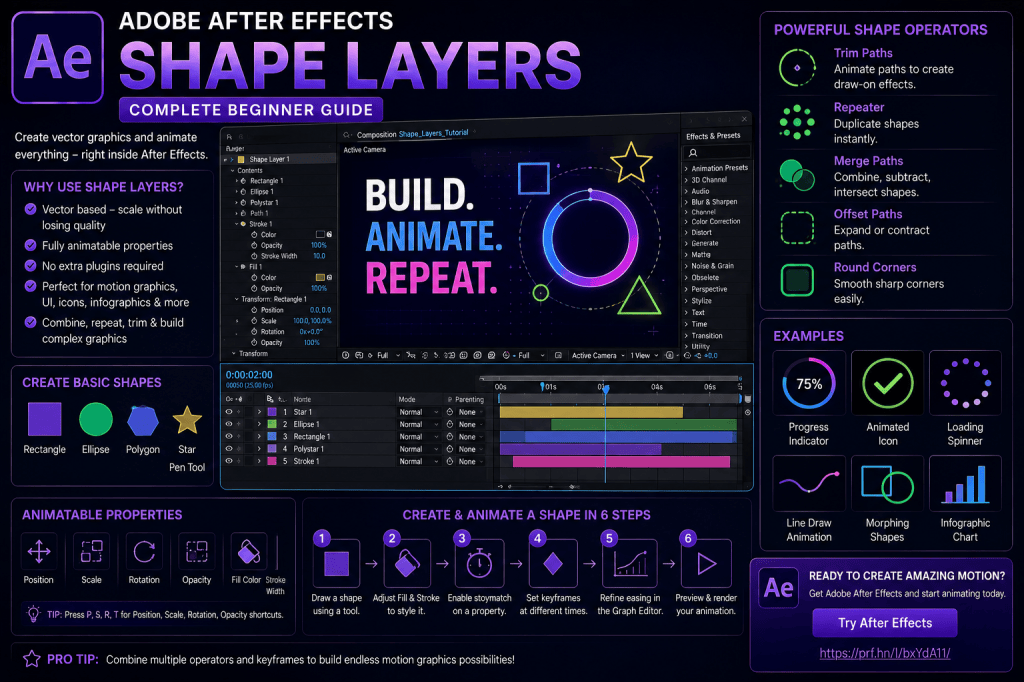 Continue reading →: Adobe After Effects Shape Layers: Complete Beginner Guide
Shape layers are among the most versatile tools in Adobe After Effects. They can be used to create simple circles and rectangles, but their real capabilities go much further. Shape layers can become animated icons, interface elements, infographics, backgrounds, transitions, charts, logos, callouts, lower thirds, abstract graphics, and complete motion-design…
-
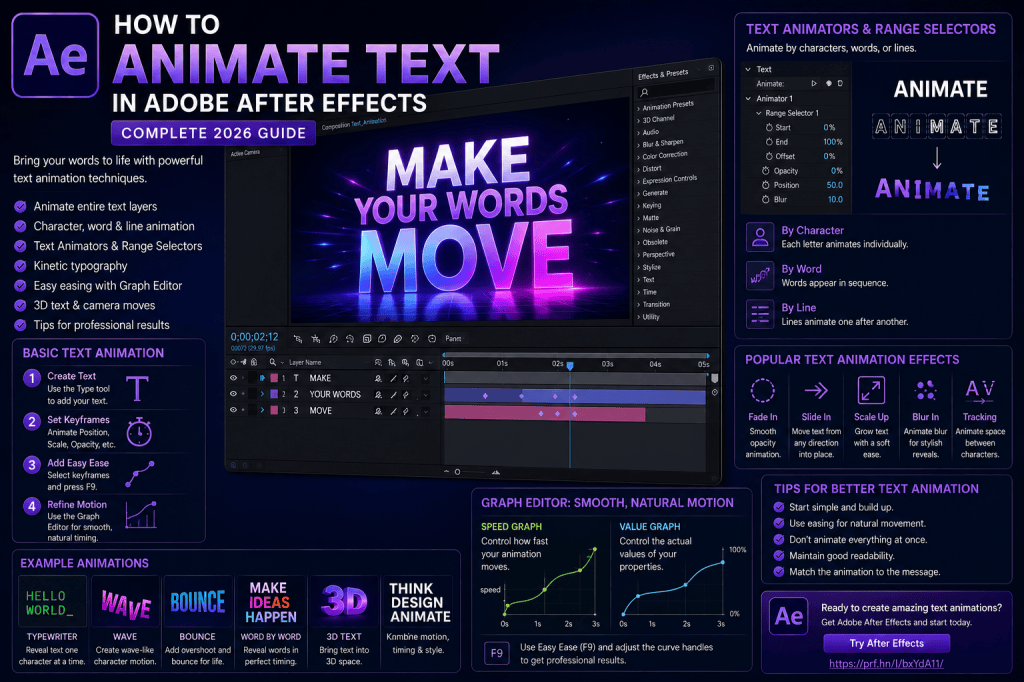 Continue reading →: How to Animate Text in Adobe After Effects: Complete 2026 Guide
Text animation is one of the most useful skills you can learn in Adobe After Effects. From a simple title fading onto the screen to sophisticated kinetic typography where individual letters move, rotate, scale, and change color, After Effects provides an enormous amount of control over animated text. You can…
-
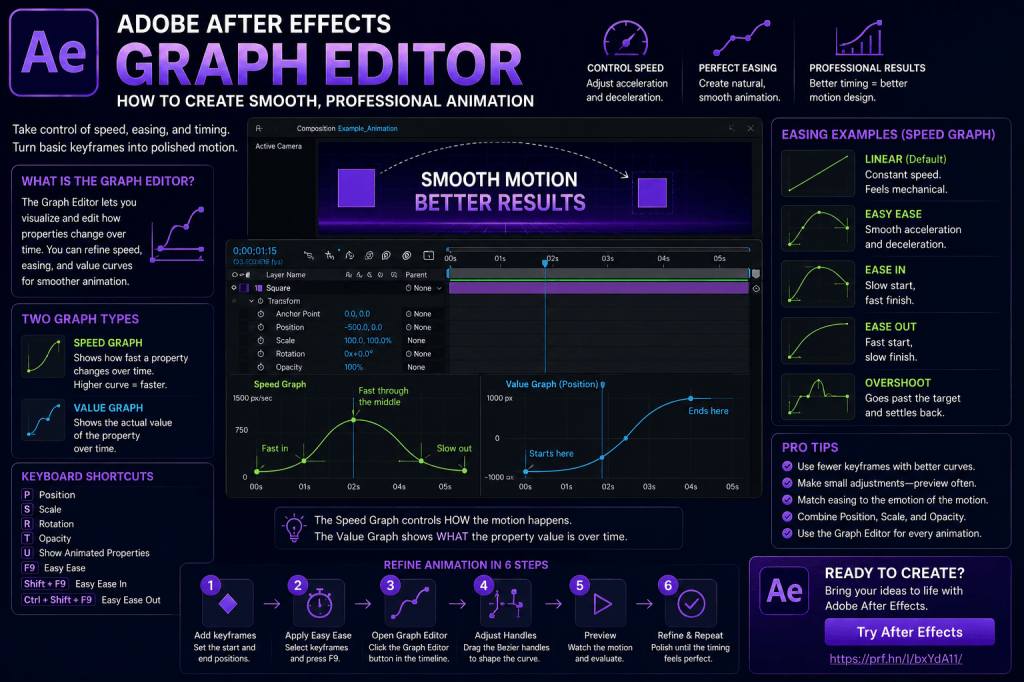 Continue reading →: Adobe After Effects Graph Editor: How to Create Smooth, Professional Animation
Creating keyframes in Adobe After Effects is easy. Creating animation that actually feels good is more difficult. You can place an object at one position, move forward in time, change its position, and After Effects will create the movement between those two points. Technically, you have created an animation. But…
-
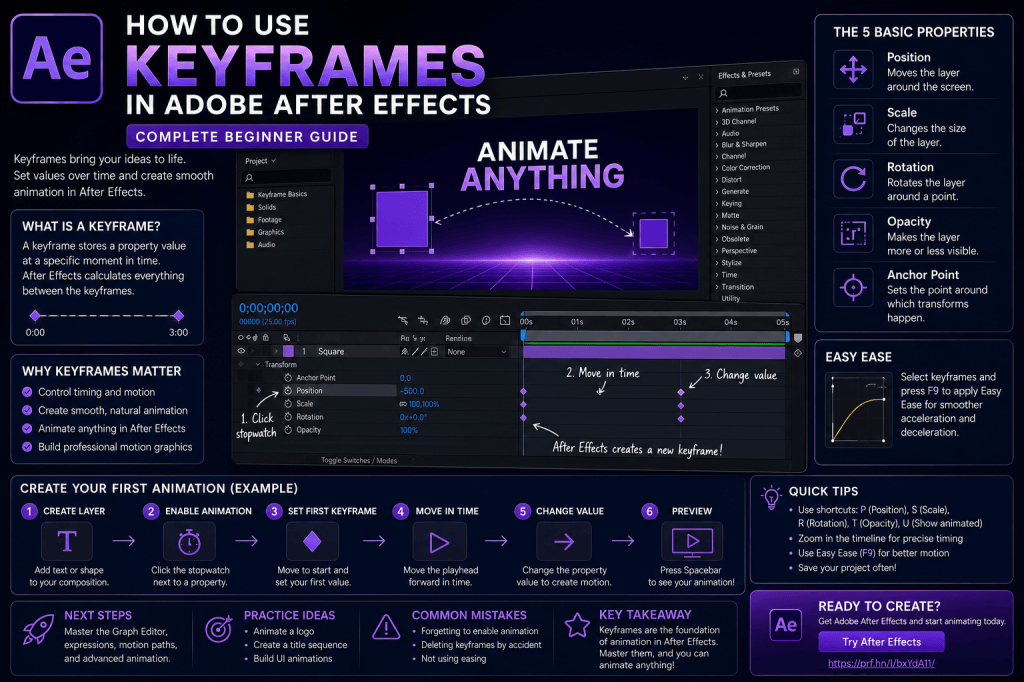 Continue reading →: How to Use Keyframes in Adobe After Effects: Complete Beginner Guide
Keyframes are one of the most important concepts you will ever learn in Adobe After Effects. If you understand keyframes, you can animate almost anything. You can make text move across the screen, make a logo grow from nothing, rotate an object, fade an image in or out, animate an…
-
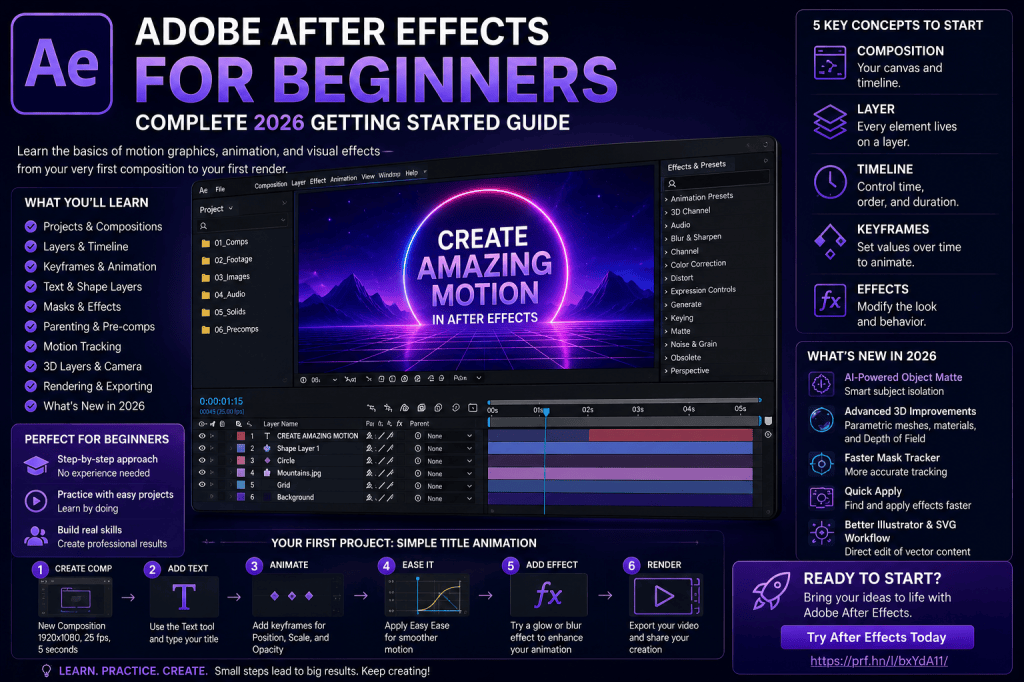 Continue reading →: Adobe After Effects for Beginners: Complete 2026 Getting Started Guide
Adobe After Effects can look intimidating the first time you open it. There are panels everywhere. The Timeline contains unfamiliar switches and controls. Words such as compositions, keyframes, pre-compositions, masks, mattes, expressions, and null objects appear almost immediately. But here’s the good news: You don’t need to understand everything in…
-
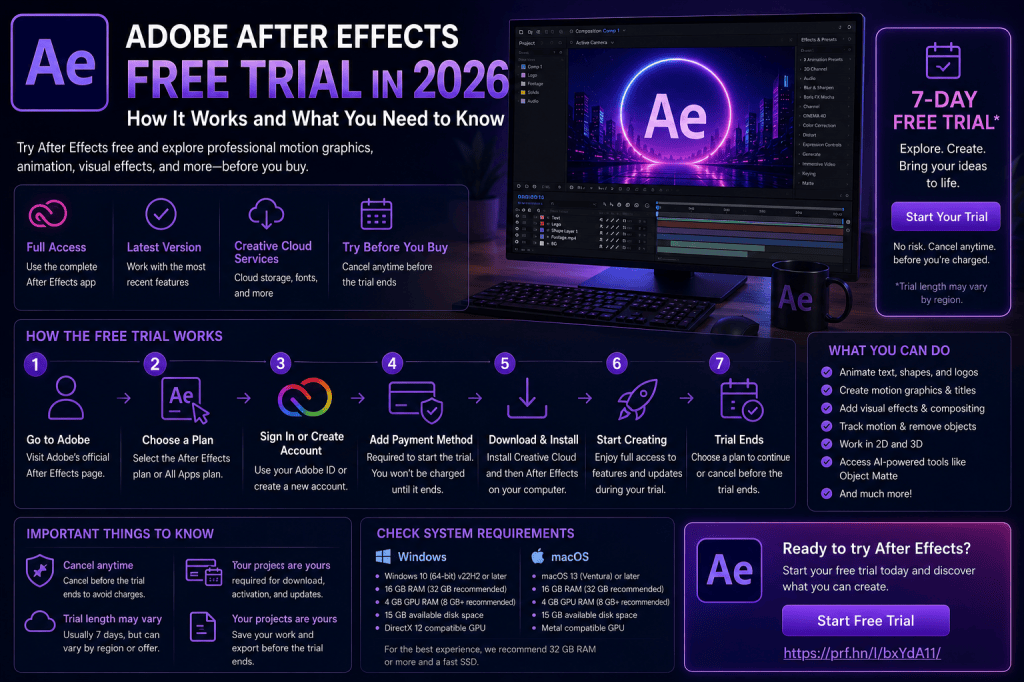 Continue reading →: Adobe After Effects Free Trial in 2026: How It Works and What You Need to Know
Adobe After Effects is a professional application for motion graphics, animation, compositing, and visual effects, but you may not want to subscribe before finding out whether it is right for you. That’s where the Adobe After Effects free trial can be useful. A trial gives you an opportunity to explore…
-
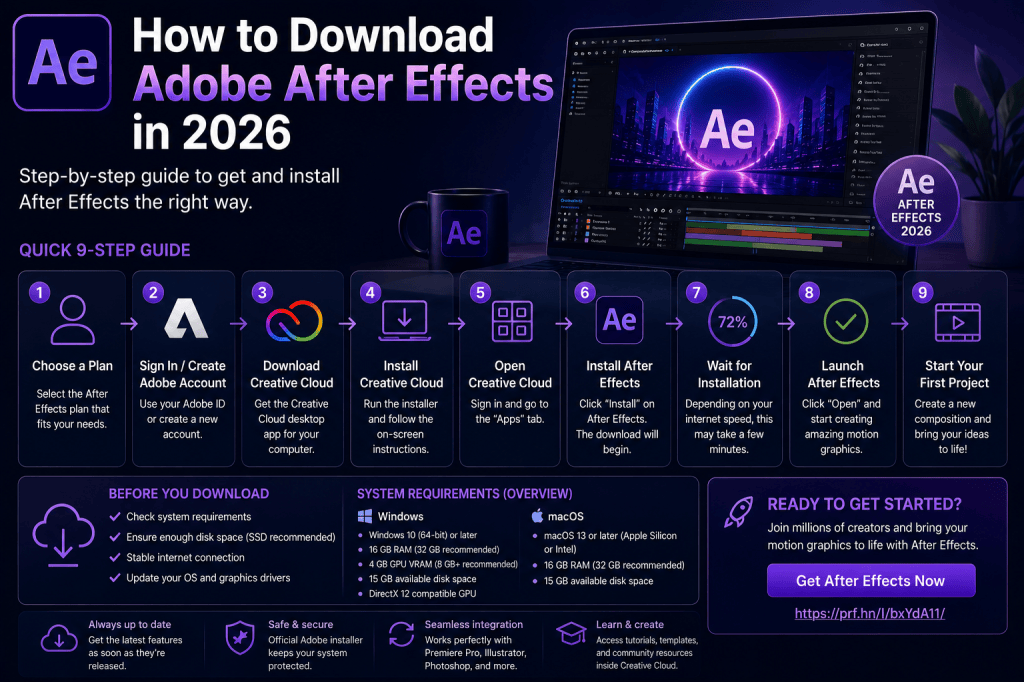 Continue reading →: How to Download Adobe After Effects in 2026: Complete Installation Guide
Adobe After Effects remains one of the most widely used applications for motion graphics, animation, compositing, and visual effects. If you want to start creating animated titles, logo animations, visual effects, motion graphics, or sophisticated video compositions, the first step is getting After Effects installed on your computer. Fortunately, downloading…
Hello,
I’m Ben

Welcome to After Effects Cloud, a place where I share my passion for Adobe After Effects, motion graphics, animation, and visual effects. I created this website to make learning After Effects easier, whether you’re opening the application for the first time or looking for new techniques to improve your creative work. Here you’ll find practical tutorials, feature guides, workflow tips, and updates covering the latest developments in After Effects. I’m constantly exploring new tools, including AI-powered features and the growing 3D capabilities inside After Effects, and I enjoy sharing what I discover along the way. I hope the articles inspire you to experiment, learn something new, and create amazing things with Adobe After Effects.
Let’s connect
Join the fun!
Stay updated with our latest tutorials and ideas by joining our newsletter.





