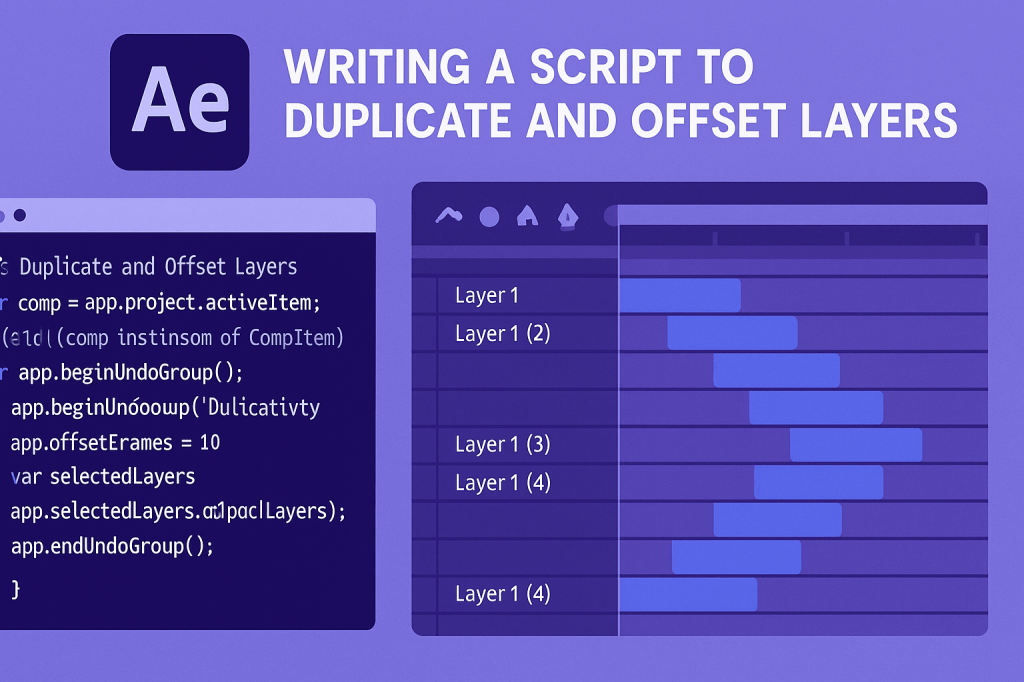
Duplicating and offsetting layers is a common task in motion graphics. Whether you’re creating staggered text reveals, looping animations, or layered effects, doing it manually can be slow. With scripting, you can automate duplication and add precise time offsets in just a few clicks.
🎬 Why Automate Duplication and Offsets?
- Efficiency: Duplicate dozens of layers instantly.
- Precision: Apply exact frame or second offsets.
- Creativity: Build complex patterns or cascading animations.
- Consistency: Ensure even spacing across all layers.
🎨 Step 1: Target the Active Comp
Start by selecting the composition you want to work in:
var comp = app.project.activeItem;
if (!(comp instanceof CompItem)) {
    alert("Please select a composition first.");
}
⚡ Example Script: Duplicate and Offset Selected Layers
// Duplicate and Offset Layers by 10 Frames
var comp = app.project.activeItem;
if (comp && comp instanceof CompItem) {
    app.beginUndoGroup("Duplicate and Offset");

    var offsetFrames = 10;
    var selectedLayers = comp.selectedLayers;

    for (var i = 0; i < selectedLayers.length; i++) {
        var original = selectedLayers[i];
        var duplicate = original.duplicate();
        duplicate.startTime += offsetFrames / comp.frameRate;
    }

    app.endUndoGroup();
}
👉 This script duplicates each selected layer and offsets the duplicate by 10 frames.
🎬 Example Script: Sequential Layer Offset
// Sequentially Offset Selected Layers
var comp = app.project.activeItem;
if (comp && comp instanceof CompItem) {
    app.beginUndoGroup("Sequential Offset");

    var offsetFrames = 5;
    var selectedLayers = comp.selectedLayers;

    for (var i = 0; i < selectedLayers.length; i++) {
        selectedLayers[i].startTime += (i * offsetFrames) / comp.frameRate;
    }

    app.endUndoGroup();
}
👉 This staggers selected layers so each starts 5 frames after the previous.
✨ Step 2: Customize for Your Workflow
- Change
offsetFramesto seconds if you prefer. - Combine duplication + sequential offsets for cascading effects.
- Wrap in a ScriptUI Panel so you can enter offset values dynamically.
🧪 Creative Uses
- Staggering text animations.
- Creating rhythmic visual effects synced to music.
- Looping patterns with shape or solid layers.
- Quick prototyping of layered effects.
🎯 Final Thoughts
With just a few lines of ExtendScript, you can automate one of the most repetitive tasks in After Effects. Duplicating and offsetting layers becomes fast, precise, and customizable to your creative needs.
👉 Want to try it? Download Adobe After Effects free trial and run your first duplication script today.






