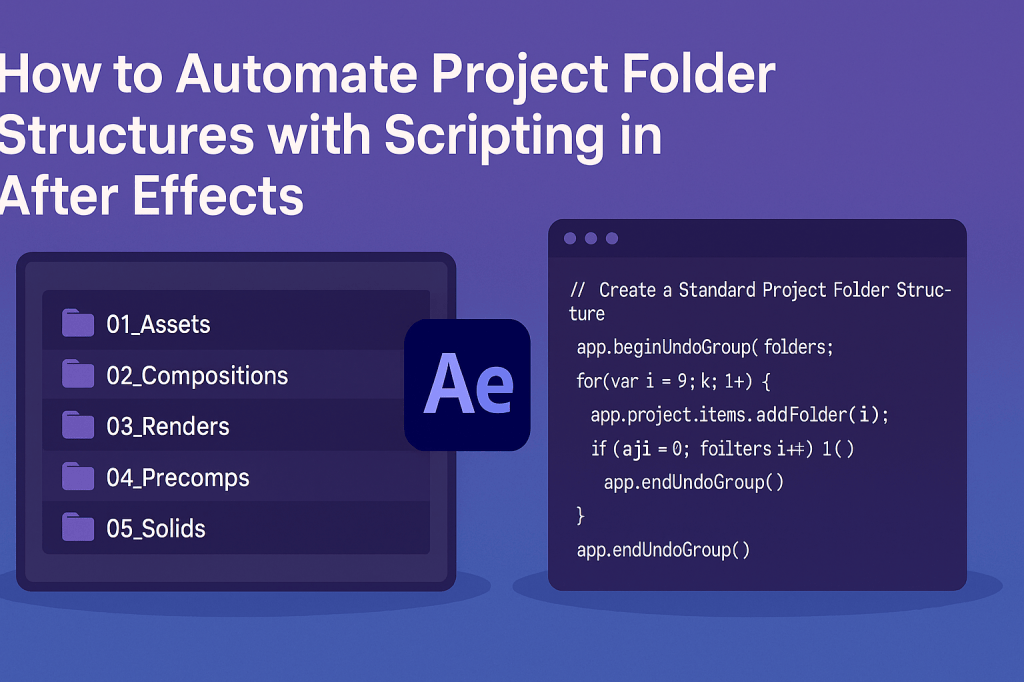
Keeping After Effects projects organized is essential, especially for large jobs or team collaborations. Manually creating folders for assets, comps, and renders takes time. With scripting, you can automatically generate a project folder structure with one click.
🎬 Why Automate Project Folder Setup?
- Consistency: Every project starts with the same clean structure.
- Speed: Create all folders instantly instead of manually.
- Teamwork: Shared structures make collaboration easier.
- Scalability: Larger projects stay organized as they grow.
🎨 Step 1: Define a Folder Structure
Decide what folders you want by default. Example:
- 01_Assets
- 02_Compositions
- 03_Renders
- 04_Precomps
- 05_Solids
⚡ Example Script: Create Standard Folders
// Create a Standard Project Folder Structure
app.beginUndoGroup("Create Project Folders");

var folders = ["01_Assets", "02_Compositions", "03_Renders", "04_Precomps", "05_Solids"];

for (var i = 0; i < folders.length; i++) {
    app.project.items.addFolder(folders[i]);
}

app.endUndoGroup();
👉 Run this script, and all your project folders appear instantly.
🎬 Step 2: Check for Existing Folders
Avoid duplicates by checking if a folder already exists:
function folderExists(name) {
    for (var i = 1; i <= app.project.items.length; i++) {
        if (app.project.items[i] instanceof FolderItem && app.project.items[i].name === name) {
            return true;
        }
    }
    return false;
}

app.beginUndoGroup("Smart Folder Setup");

var folders = ["01_Assets", "02_Compositions", "03_Renders"];
for (var i = 0; i < folders.length; i++) {
    if (!folderExists(folders[i])) {
        app.project.items.addFolder(folders[i]);
    }
}

app.endUndoGroup();
✨ Step 3: Customize for Your Workflow
- Add subfolders inside parent folders.
- Name folders by date or project code.
- Build a ScriptUI panel where you can select preset structures (e.g., Commercials, Social Media, Films).
🧪 Advanced Idea
Combine folder creation with other scripts:
- Auto-create a render comp inside the 03_Renders folder.
- Auto-save the project with today’s date.
- Import assets directly into 01_Assets.
🎯 Final Thoughts
Automating folder structures ensures your After Effects projects always start clean and organized. With a few lines of ExtendScript, you can save time and avoid messy timelines.
👉 Want to try it? Download Adobe After Effects free trial and generate your own project folder templates today.






